Sort Photos
Sort Photos
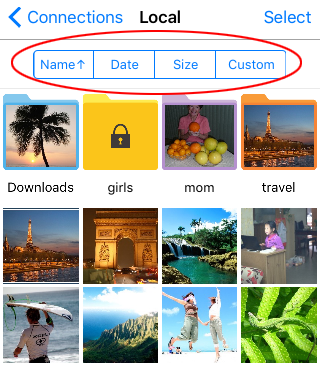
Photo Manager Pro can sort photos by filename, date, or size. Tap the sort button to switch between ascending and descending order.
Create a Custom Order
You can also arrange photos manually.
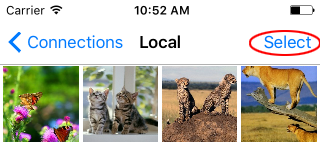
- Open a local folder and tap Select.
- Touch and hold a thumbnail, then drag it to the position you want.
- Tap Done to save the new order.