External Location
Access an SD Card or USB Drive
Photo Manager Pro can access USB drives and SD cards on iOS 13 or later.
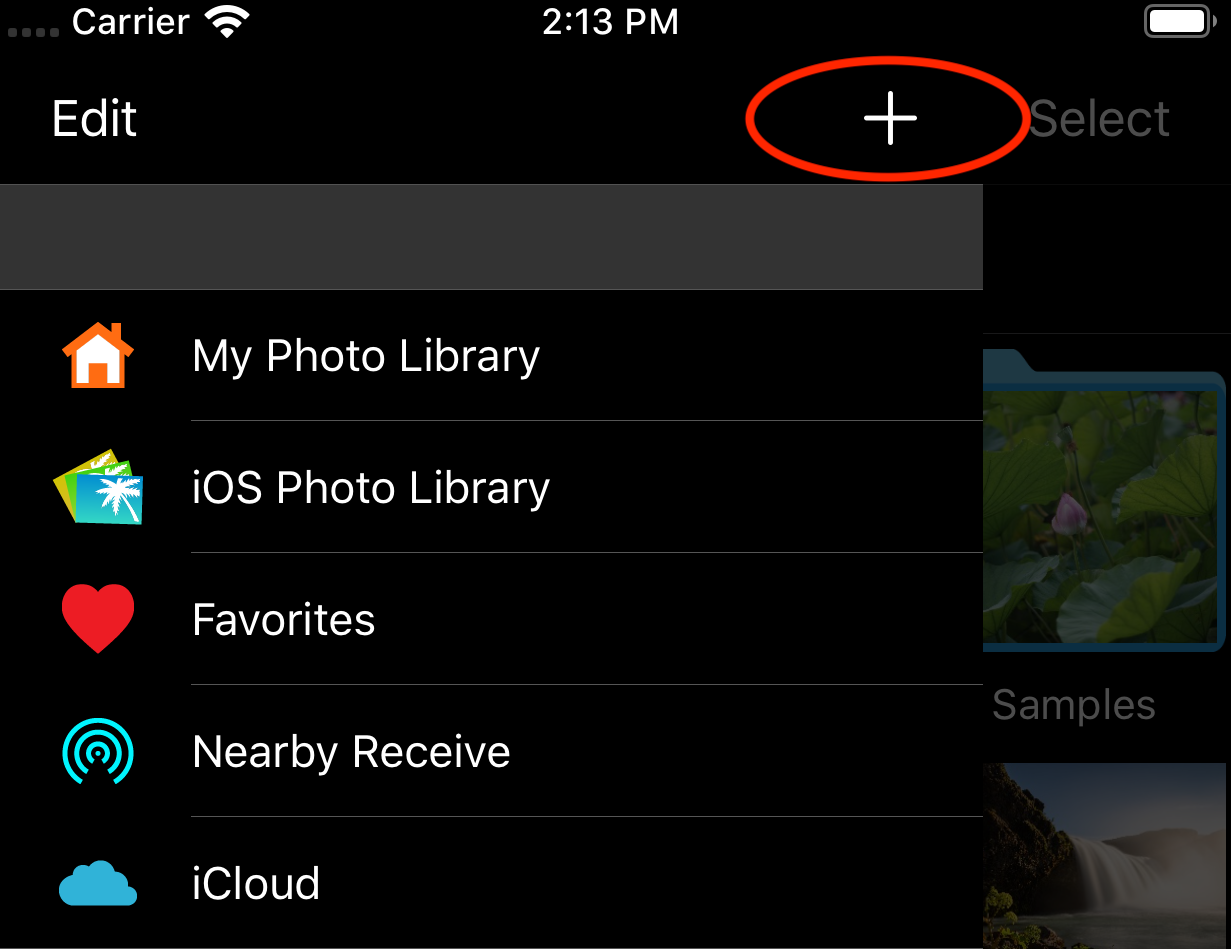
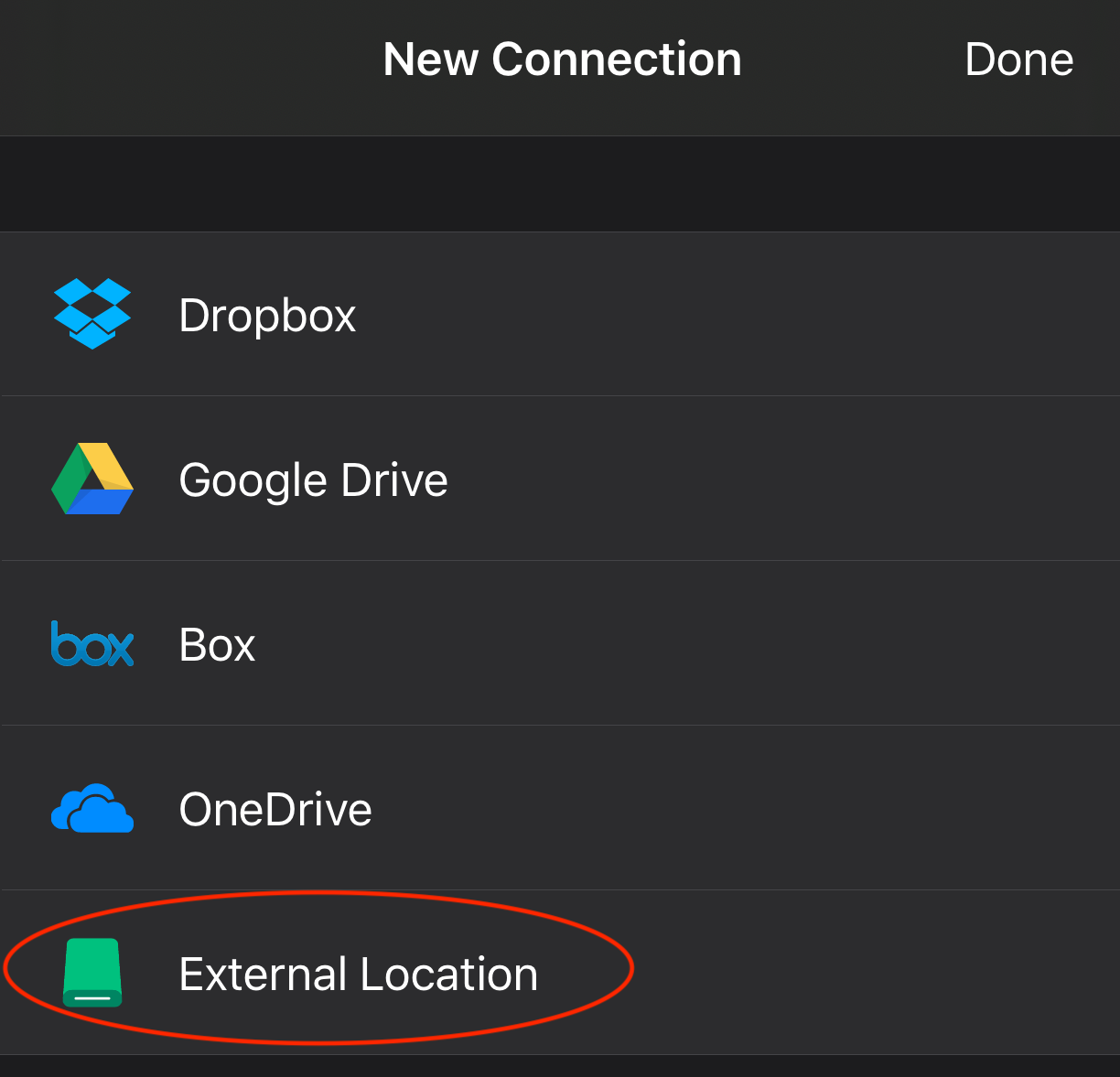
- Tap +, then choose External Location.
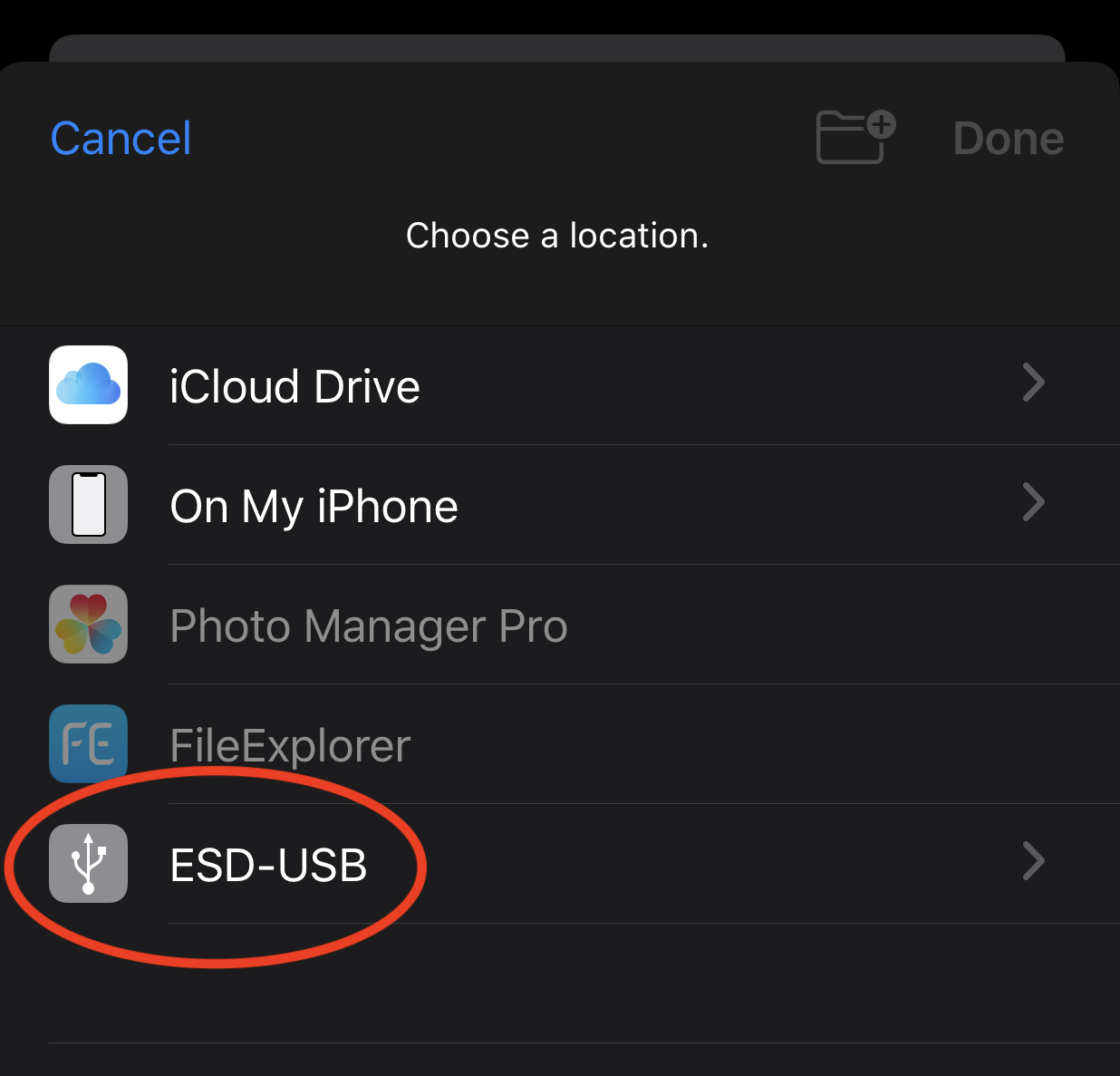
- Select the USB drive you want to access.
- Open the drive from the connection list.
Access an External Folder
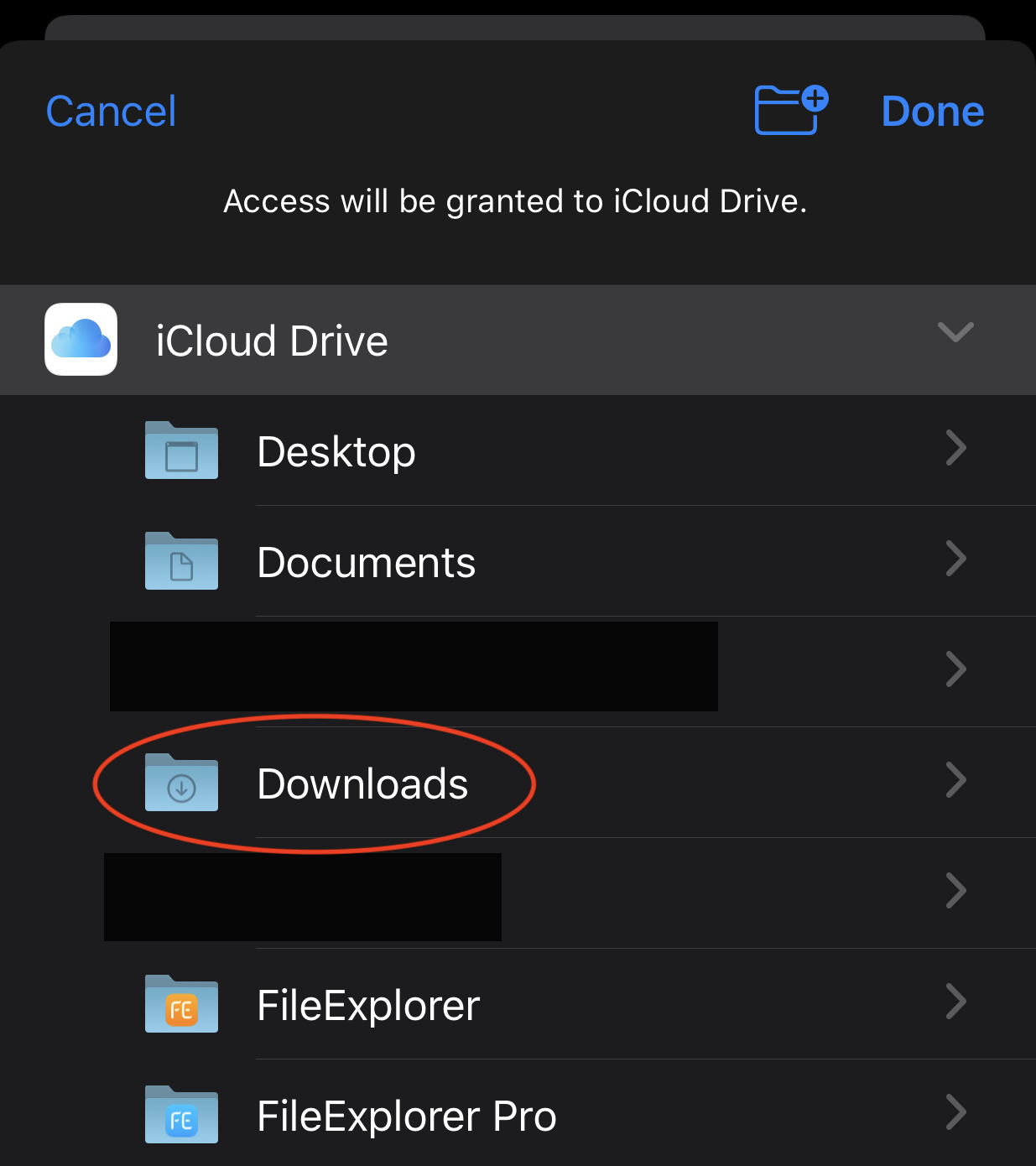
You can also access an external folder, such as Safari’s Downloads folder.
- Tap +, then choose External Location.
- Select the folder you want to access.
- Open the folder from the connection list.