
Cloud Storages
Connect a Cloud Storage Service
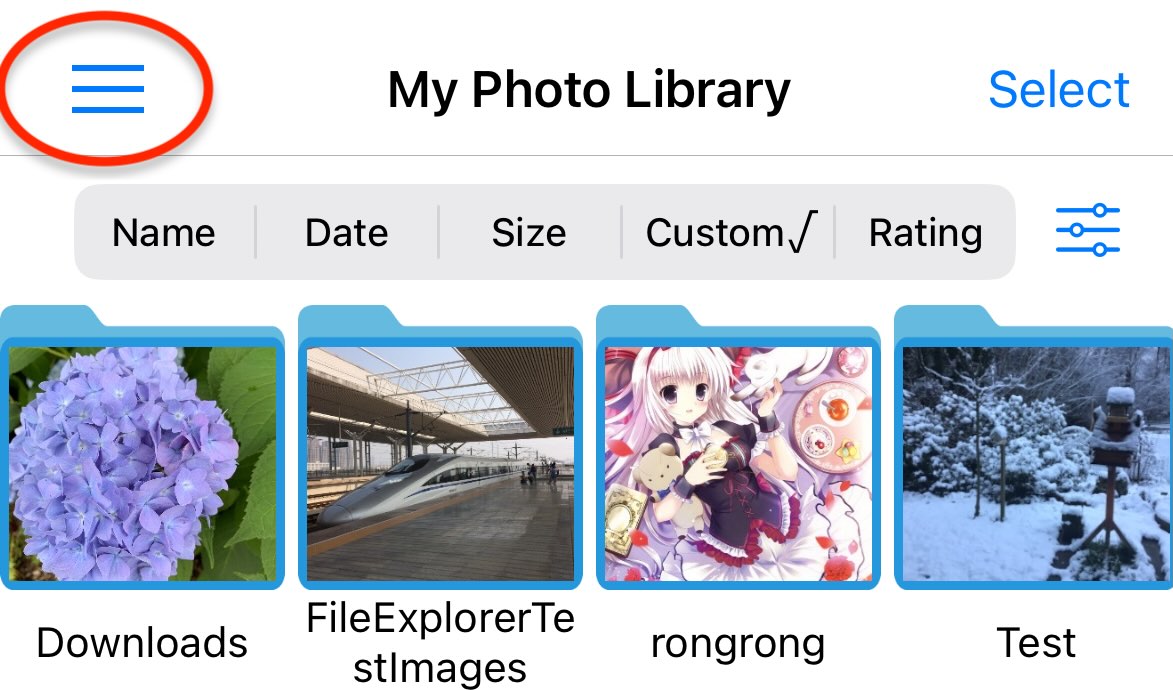
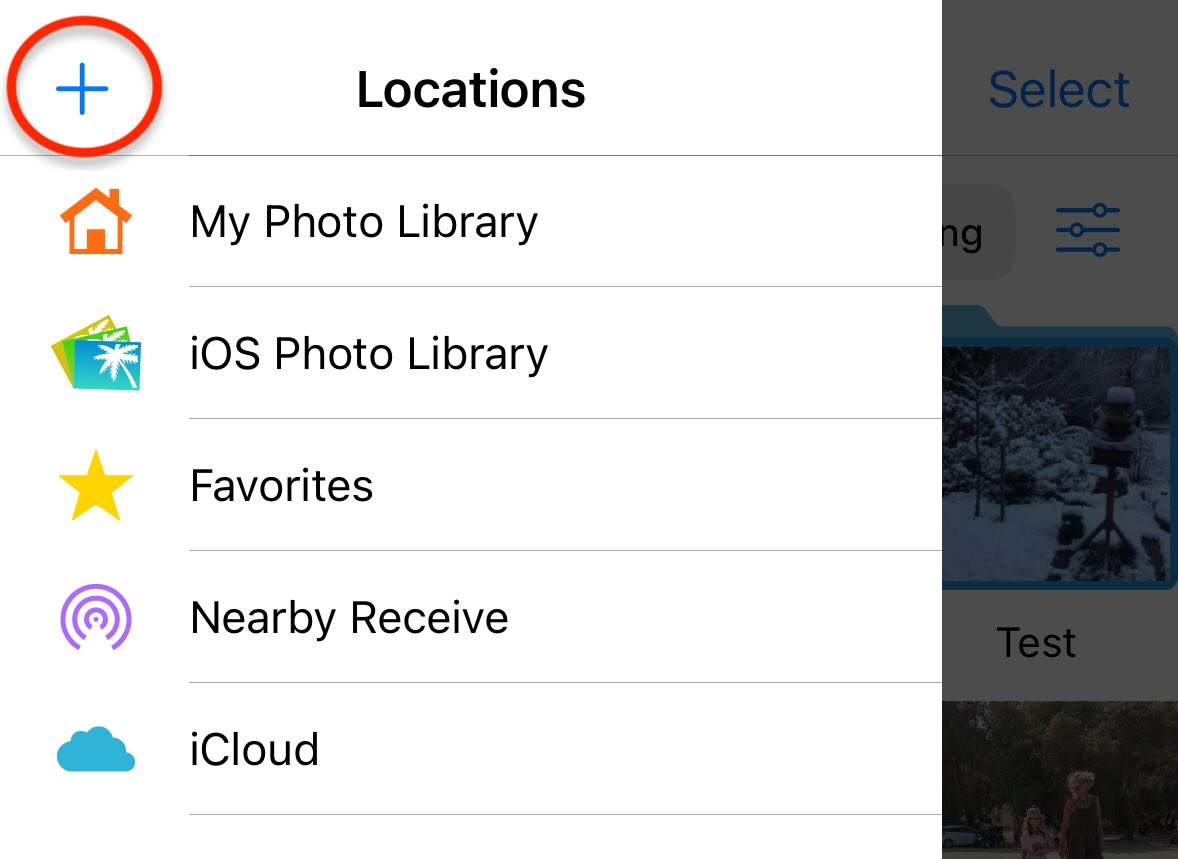
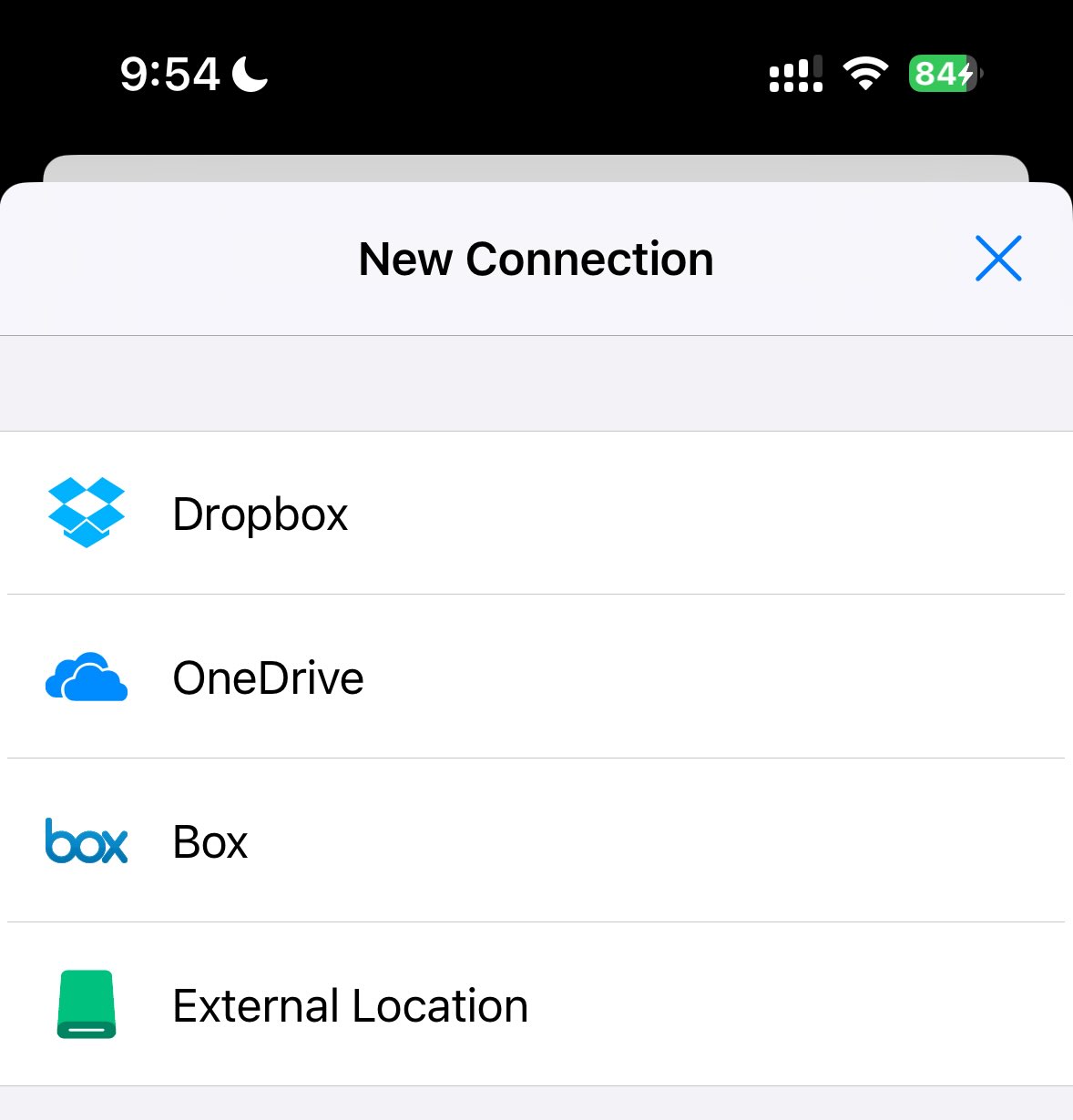
Photo Manager Pro can access photos in Dropbox, OneDrive, and Box. Tap + to add a cloud storage connection.
Transfer Photos Between Cloud and Local Storage
- Open a folder.
- Tap Select.
- Choose the photos you want to copy.
- Tap Copy to and select a destination folder.
- Tap Save.