
HTTP Transfer
HTTP Transfer lets you browse, upload, and download photos between a computer and your iOS device using a web browser.
- Connect your iPhone or iPad and computer to the same Wi-Fi network.
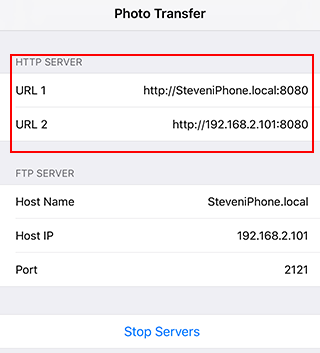
- Open a local folder and tap the Wi-Fi button to start the built-in HTTP server.
- Enter the displayed URL in a web browser on your computer. If the first URL does not work, try the second URL.
- Enter your app password if the browser requests one. If you have not set an app password, no password is required.
- Download, upload, and browse photos in the web browser.


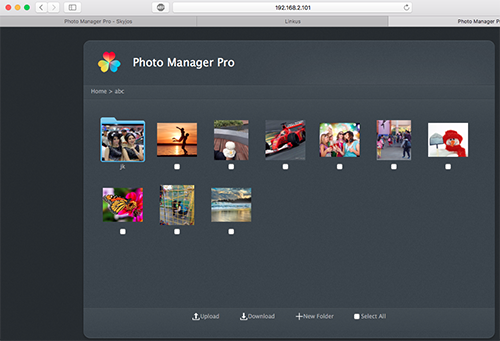
Compatible browsers include Internet Explorer 9 or later, Safari, Chrome, and Firefox.