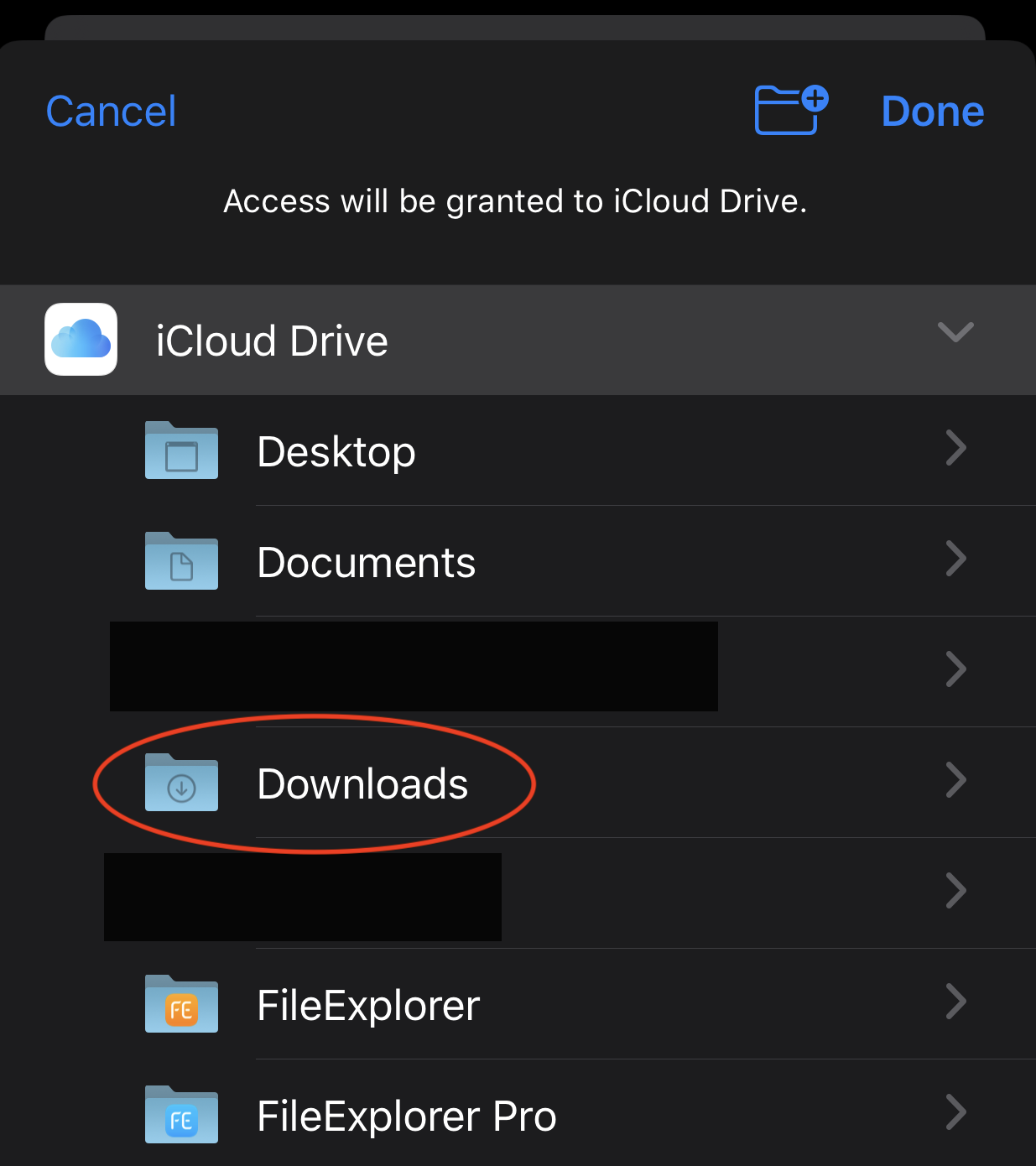
External Location
Access a USB Drive or SD Card
- Tap the add button and choose External Location.
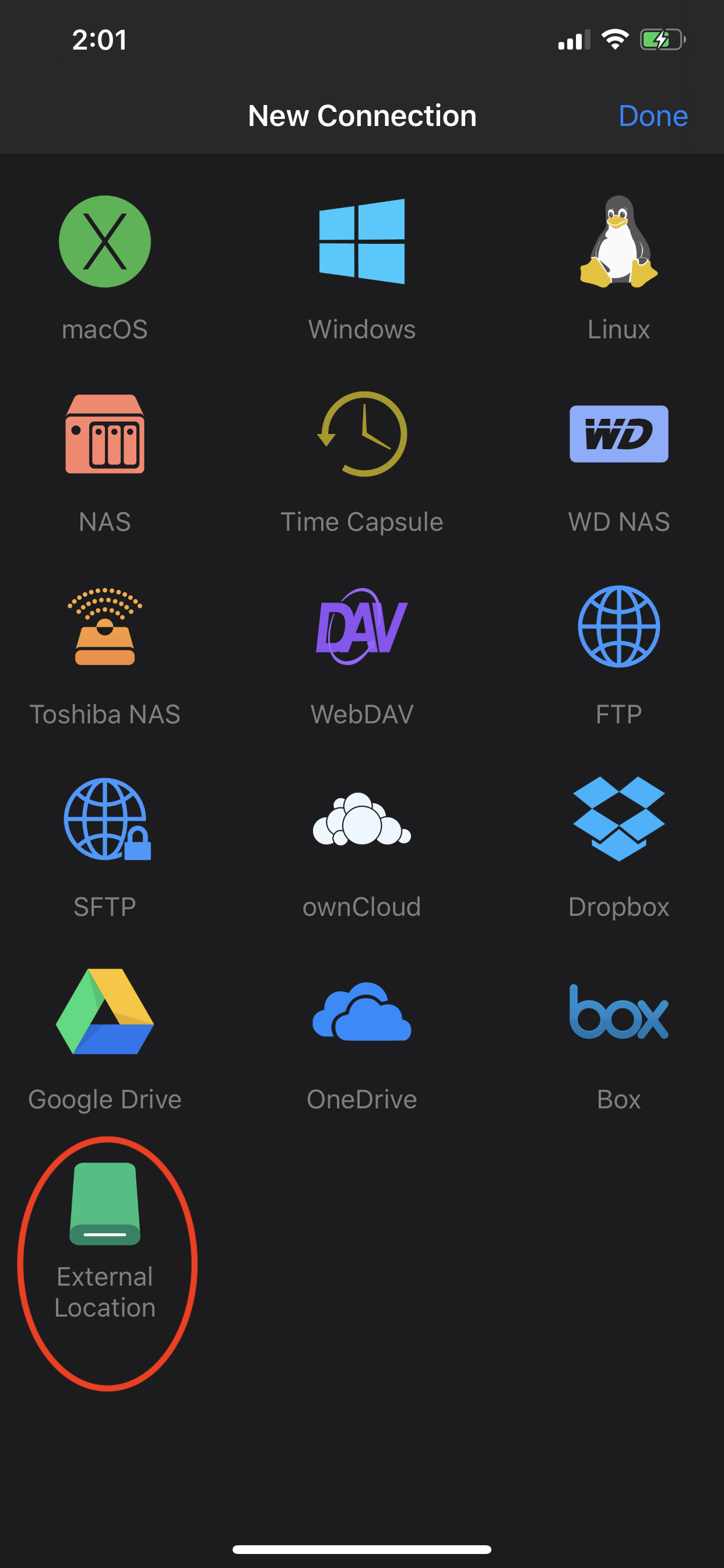
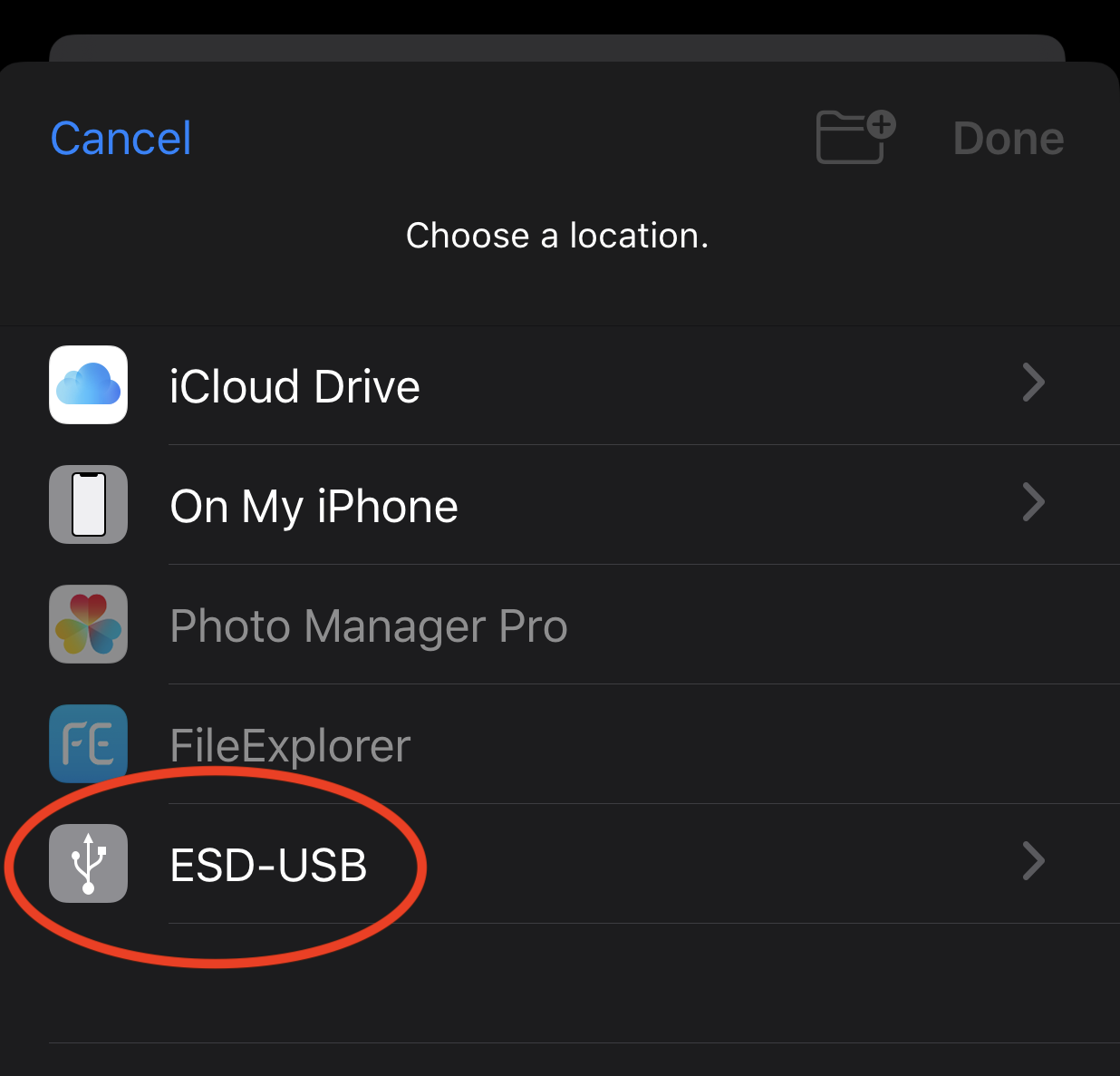
- Choose the USB drive or SD card you want to access.
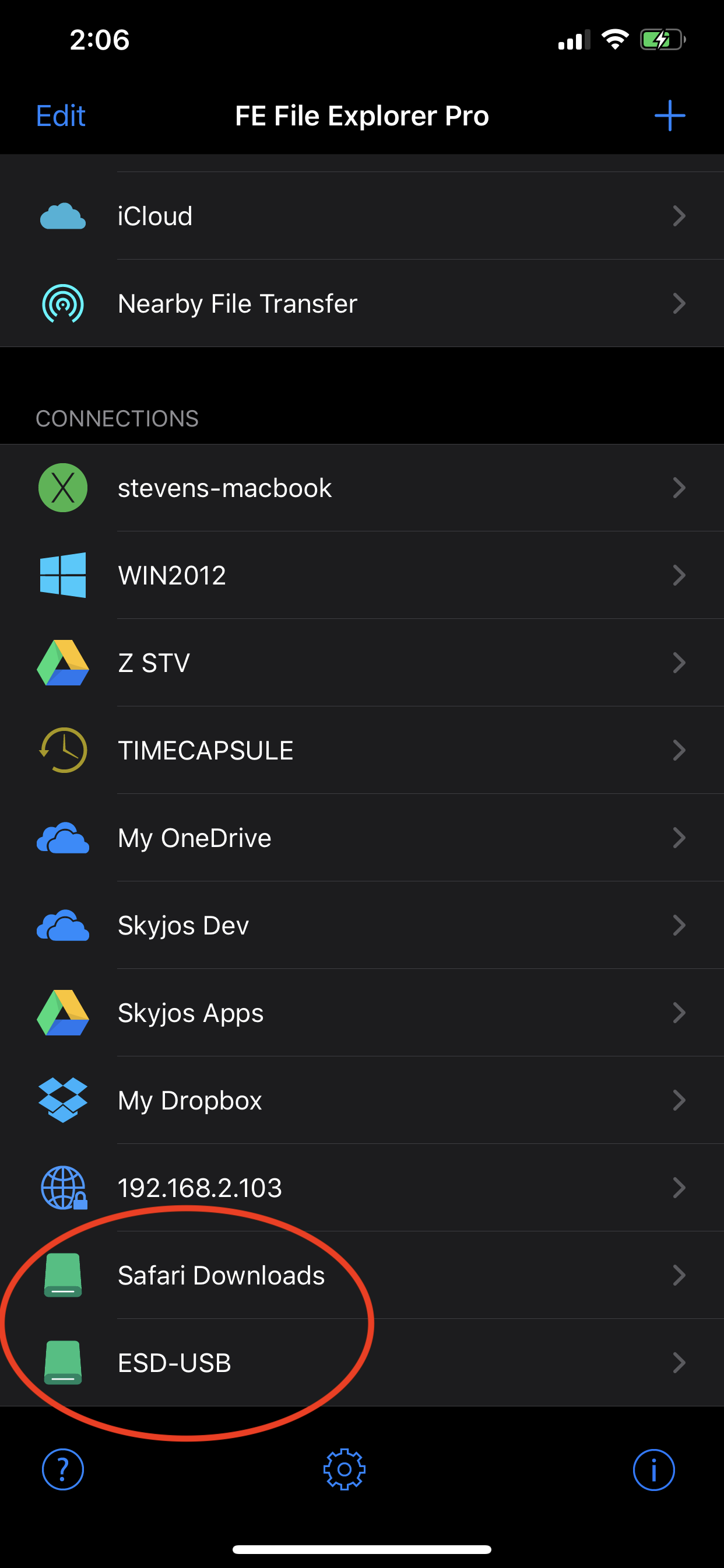
- Open the external location from the connection list.
Access a Folder from Another App
FE File Explorer can also access folders exposed through the system file picker, such as Safari’s Downloads folder.
- Tap the add button and choose External Location.
- Select the folder.
- Open it from the connection list.