Skip to content
FE File ExplorerThe one-stop files solution
HomeiOS guidemacOS guide
English
EnglishDeutsch日本語中文
Menu
HomeiOS guidemacOS guide
EnglishDeutsch日本語中文
iOS User Guide/Backup Photos
In this guideFile ManagementFile TransferDocument EditingAirPlay to Apple TVSet Up a ConnectionManage ConnectionsSettings for MacSettings for Windows 11Settings for Windows 10Settings for Windows 7/8Settings for Windows XPSettings for Time CapsuleDistribute Settings (MDM)Built-in FTP ServeriTunes File SharingNearby File TransferSync FilesBackup PhotosExternal Location

Backup Photos

FE File Explorer can back up photo albums to network shares, servers, and cloud storage.

  1. Open the photo library.
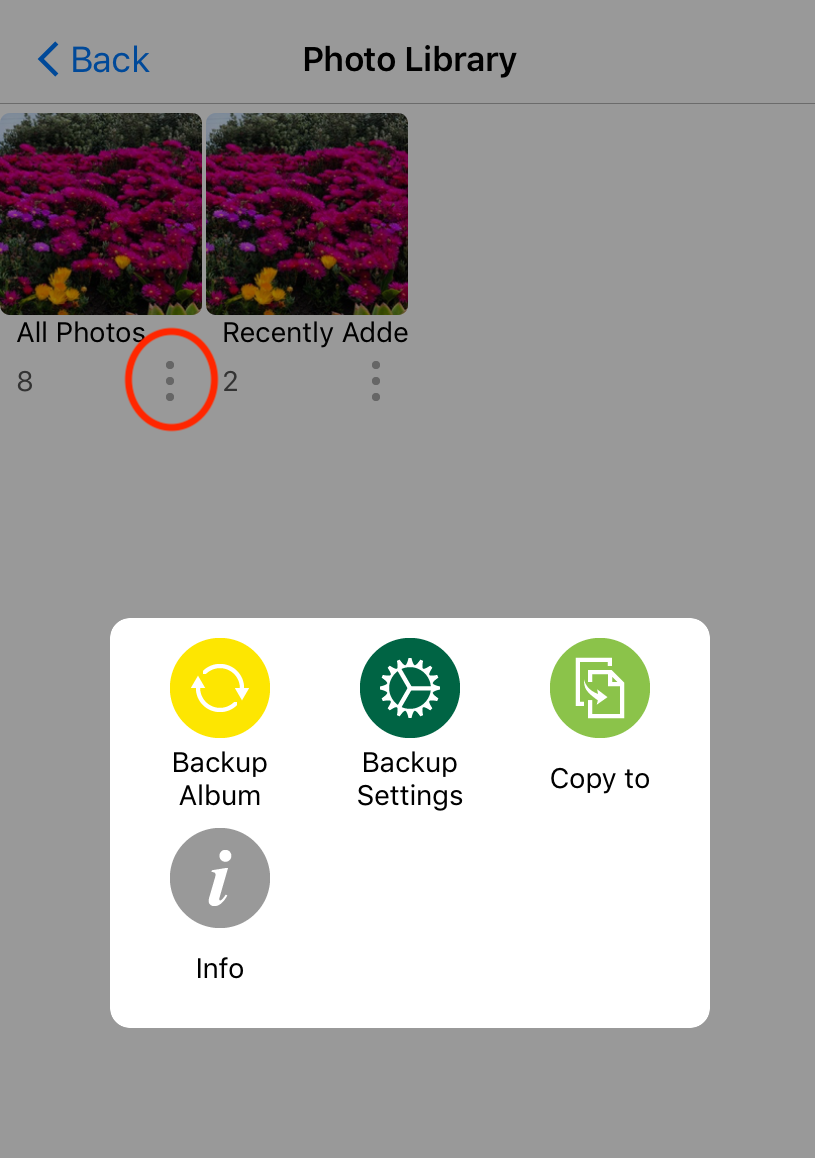
  2. Open the context menu for an album.

The album context menu in FE File Explorer

  1. Tap Backup Settings and choose a backup location.
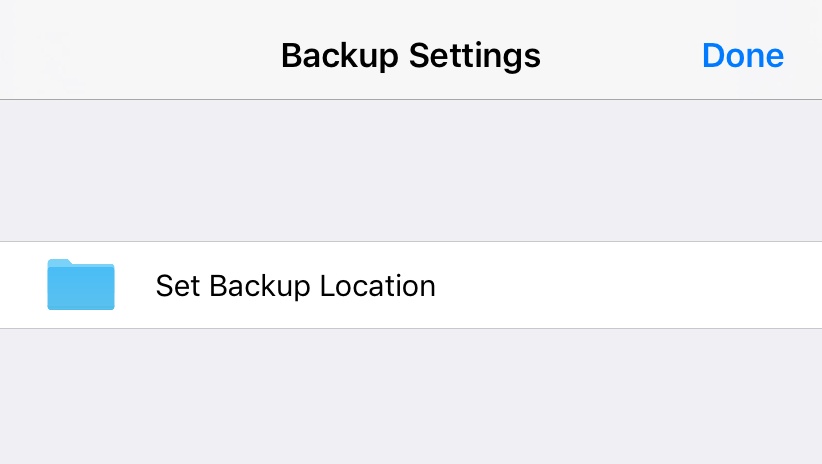
Photo backup settings in FE File Explorer

  1. Tap Backup Album to start the backup.
Previous← Sync FilesNextExternal Location →
Contact usPrivacy Policy
Copyright © Skyjos Ltd. All rights reserved.上海欧丸信息科技有限公司版权所有 保留所有权利沪ICP备17046437号-1沪公网安备 31011502008831