USB file transfer
Transfer files with Finder on Mac
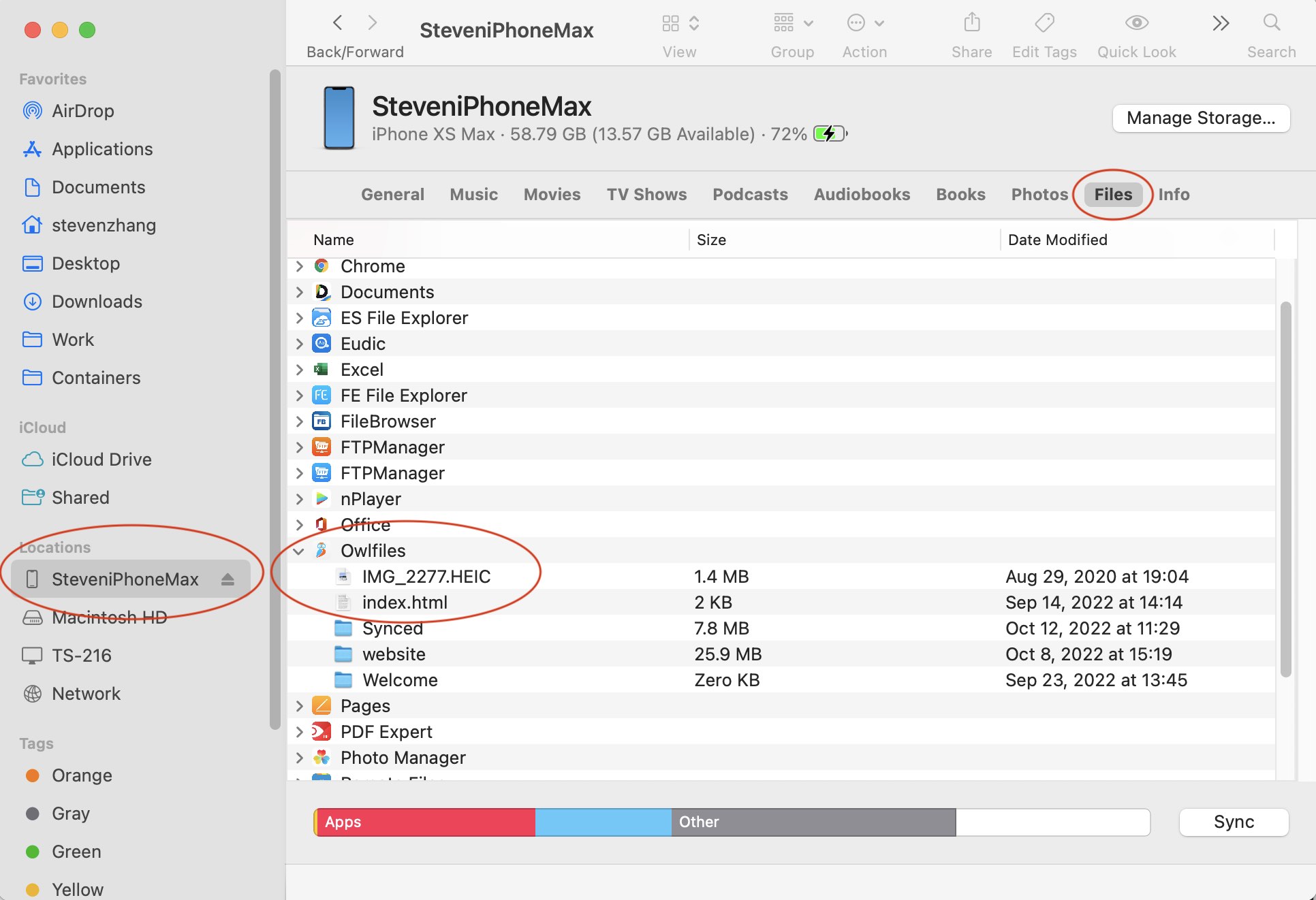
- Connect your iPhone or iPad to the Mac with a USB cable.
- Open Finder and select the device in the sidebar.
- Open the Files tab and select Owlfiles.
- Drag files between Finder and the Owlfiles documents list.
Files transferred to Owlfiles are available under My Files > On My iPhone or My Files > On My iPad.
Transfer files with iTunes on Windows
- Connect your iPhone or iPad to the PC with a USB cable.
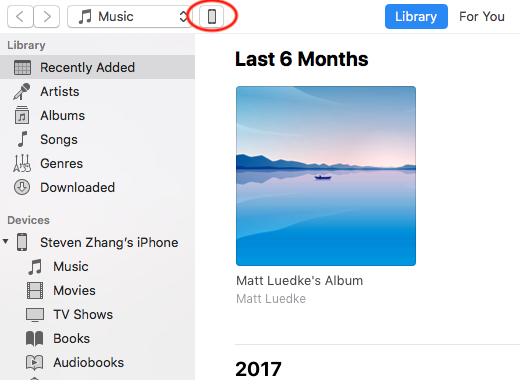
- Open iTunes and select the device.
- Open File Sharing and select Owlfiles.
- Transfer files through the Owlfiles documents list.
Files transferred to Owlfiles are available under My Files > On My iPhone or My Files > On My iPad.