
Document editing
Owlfiles includes a plain-text editor. For formats such as Word, Excel, Pages, and PDF, you can use Edit With to open a document in a compatible app and save your changes back to its server.
Edit a document with another app
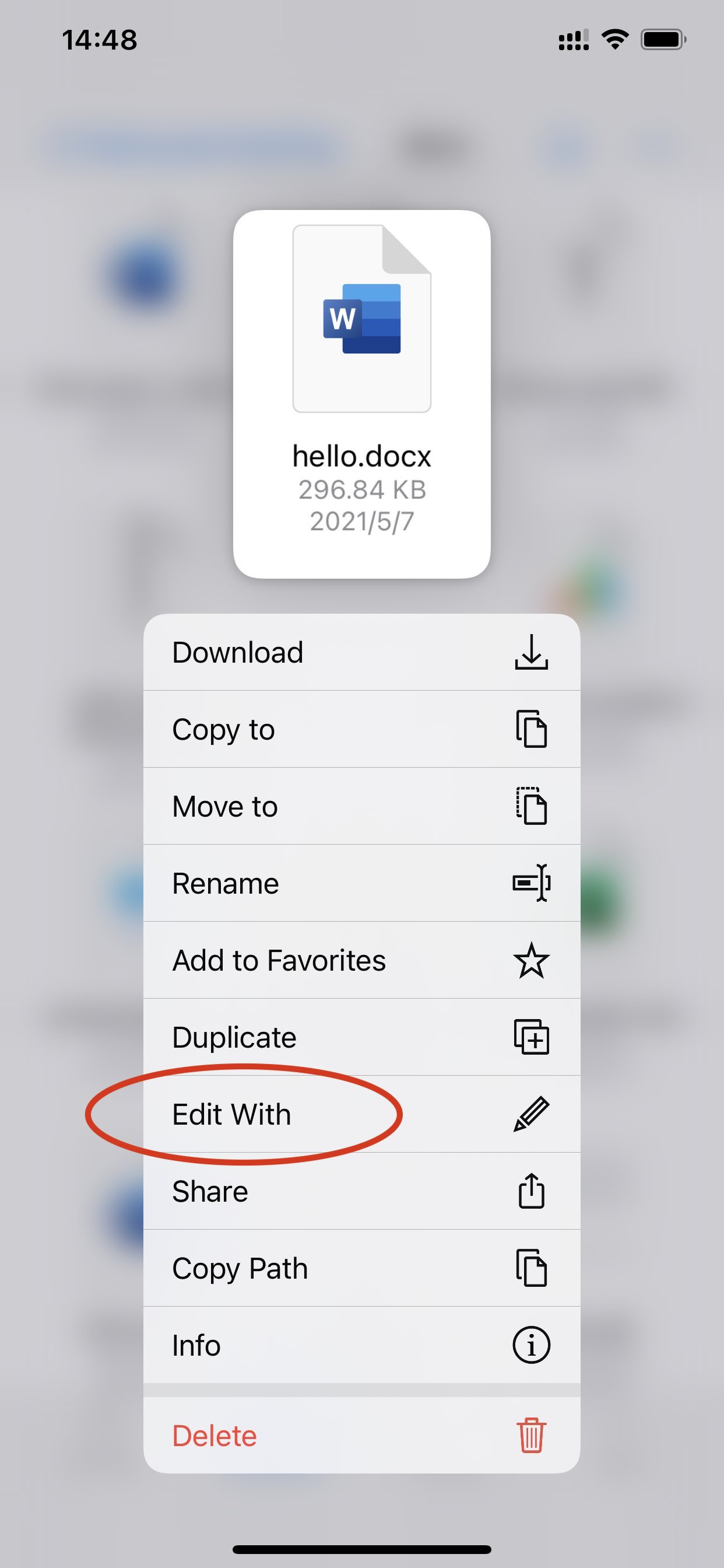
- Open the context menu for the document.
- Tap Edit With.
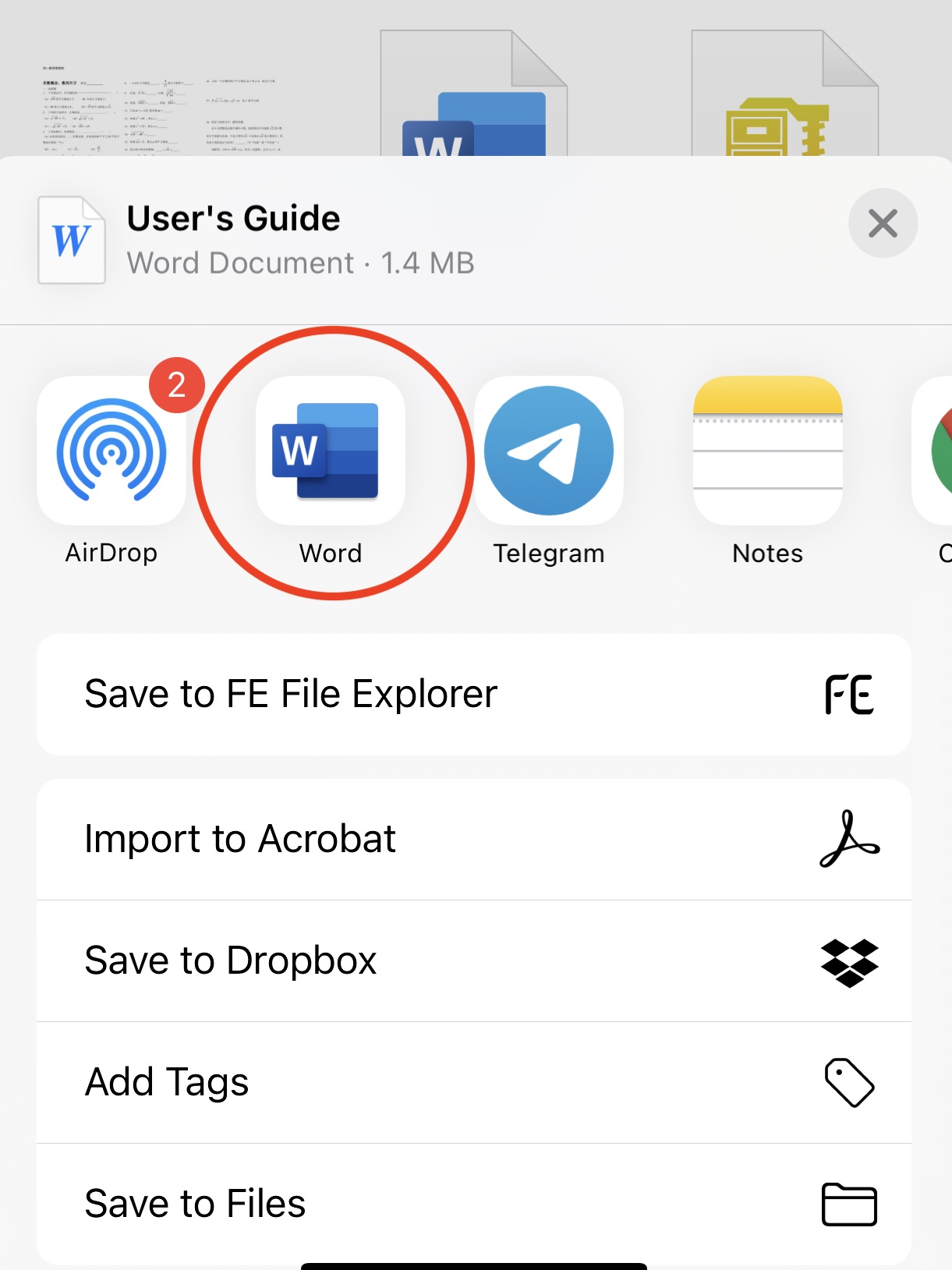
- Select the app you want to use. For example, select Microsoft Word to edit a
.docxfile. - Edit the document. Your changes are saved back to the server.
Edit a plain-text file
Open the text file in Owlfiles, then edit it directly without using another app.