Manage Connections
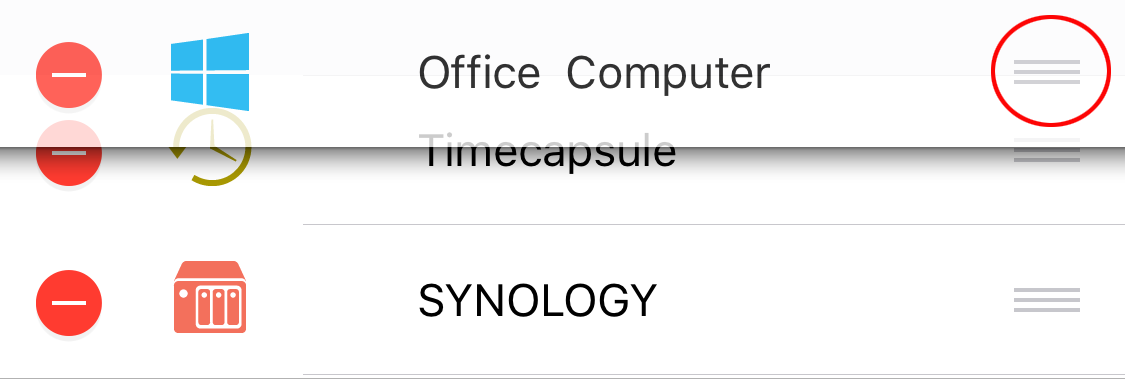
Reorder Connections
- Tap Edit in the upper-left corner.
- Drag and drop the connections into the order you want.
- Tap Done in the upper-left corner.
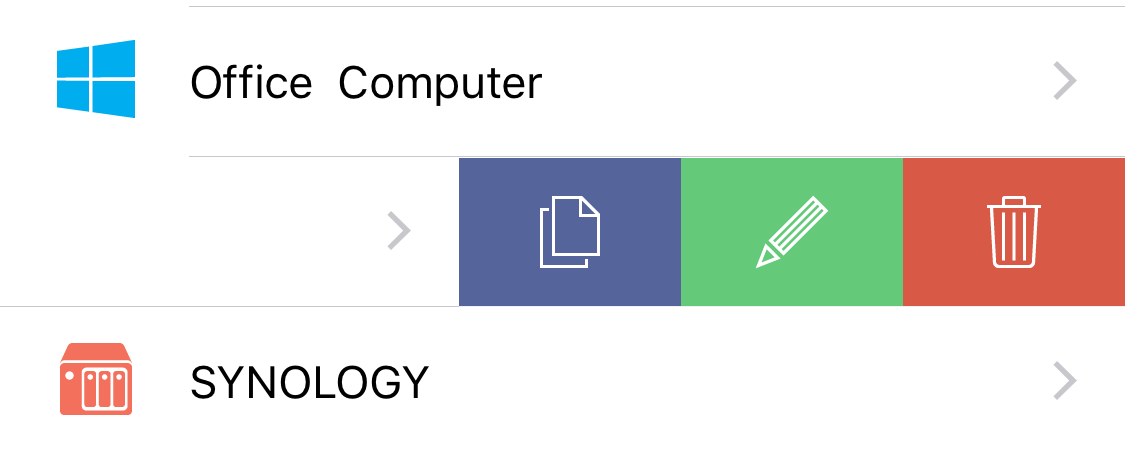
Duplicate, Edit, or Delete a Connection
- Swipe left on a connection.
- Choose Duplicate, Edit, or Delete.