Nearby File Transfer
Nearby File Transfer
FE File Explorer can transfer files between Apple devices without Wi-Fi.
- Place the Mac, iPhone, or iPad near each other.
- Open Nearby File Transfer or Nearby Receive on one device.
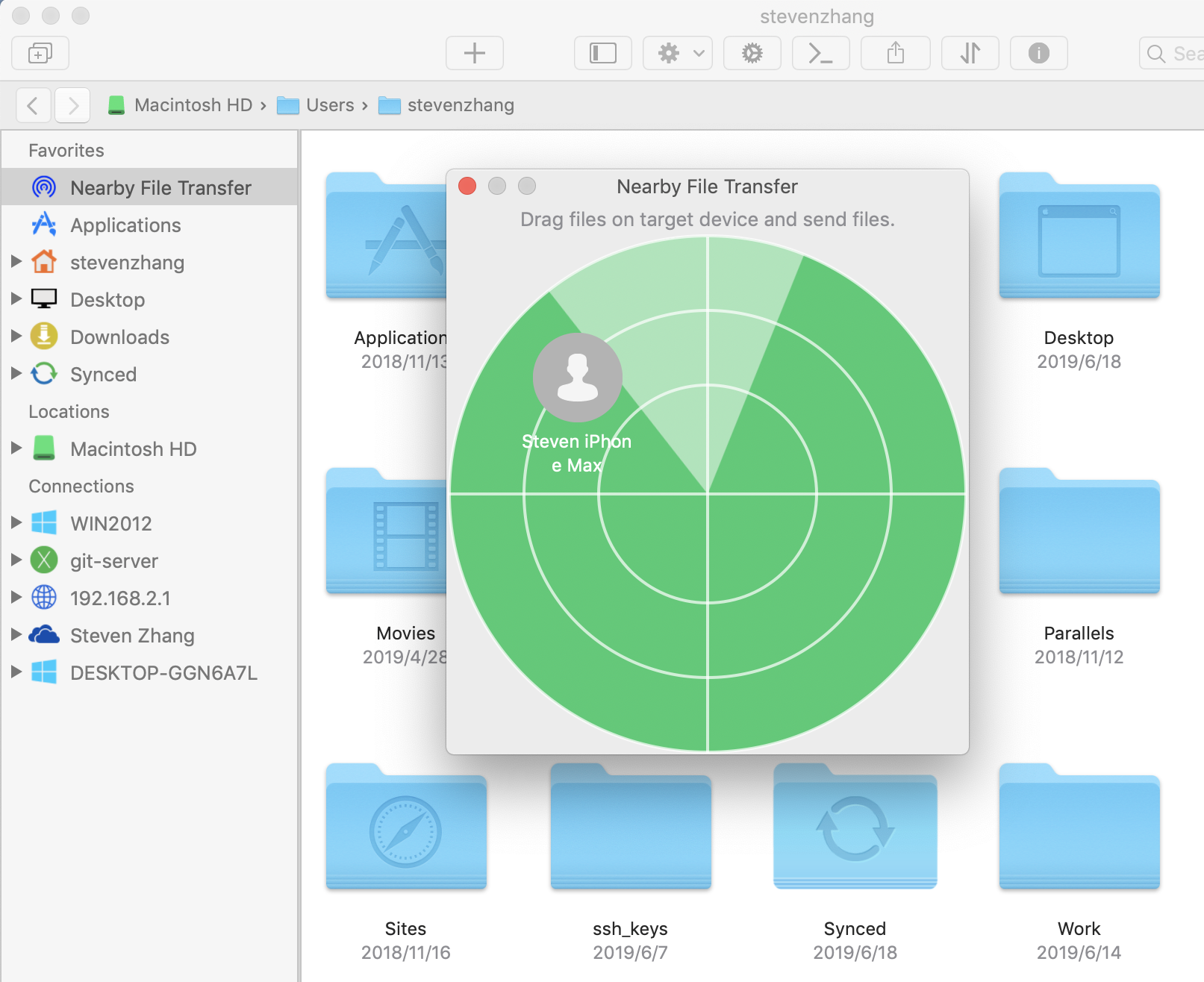
- Open Nearby File Transfer on the other device. Available devices appear in the list; drag files to the target device.
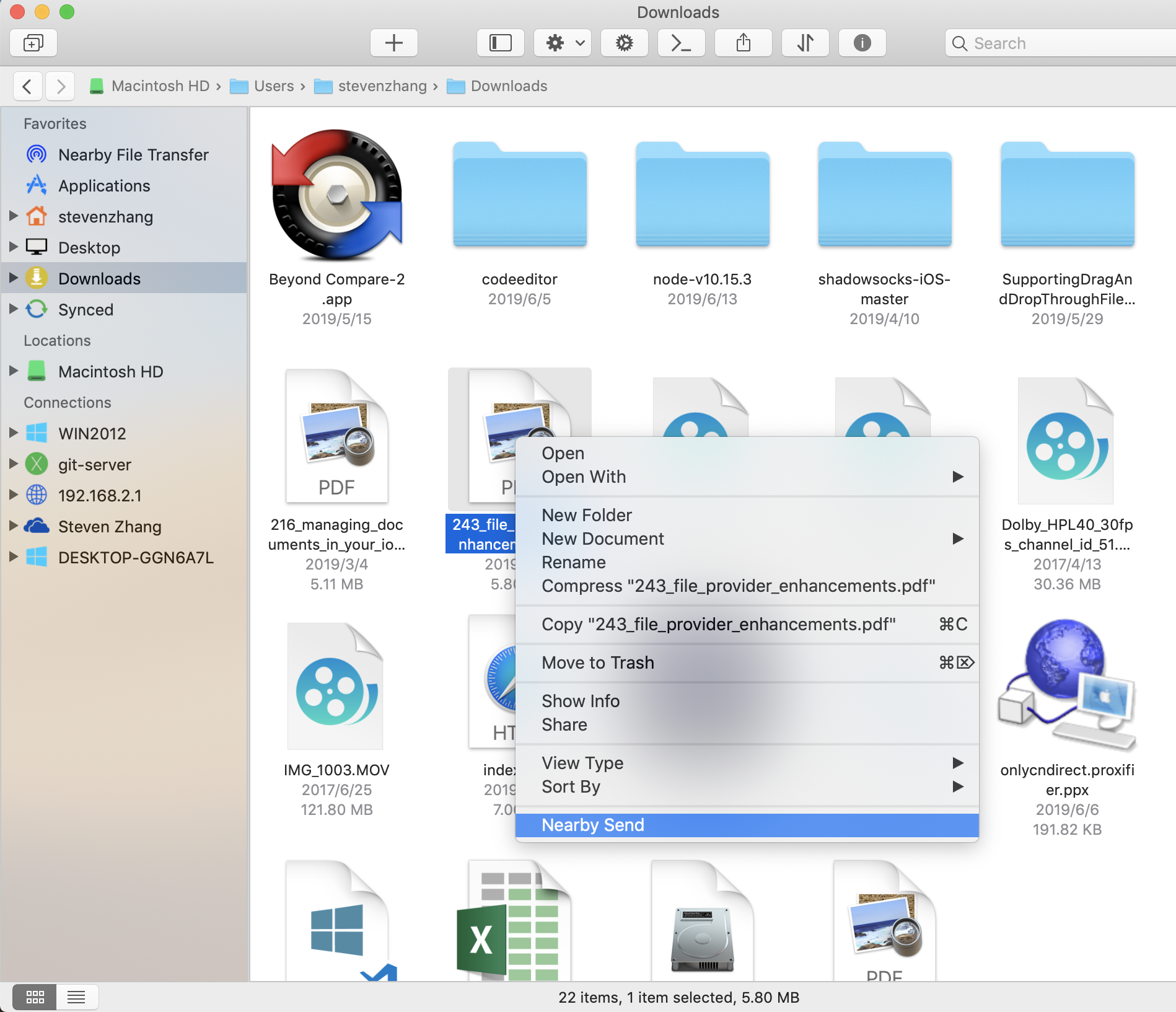
- You can also choose Nearby Send from the contextual menu to send files.