Sync Files
Sync Files
FE File Explorer can synchronize files with network shares, servers, and cloud storage.
- Open a folder on a network share, server, or cloud storage location.
- Open the folder’s contextual menu.
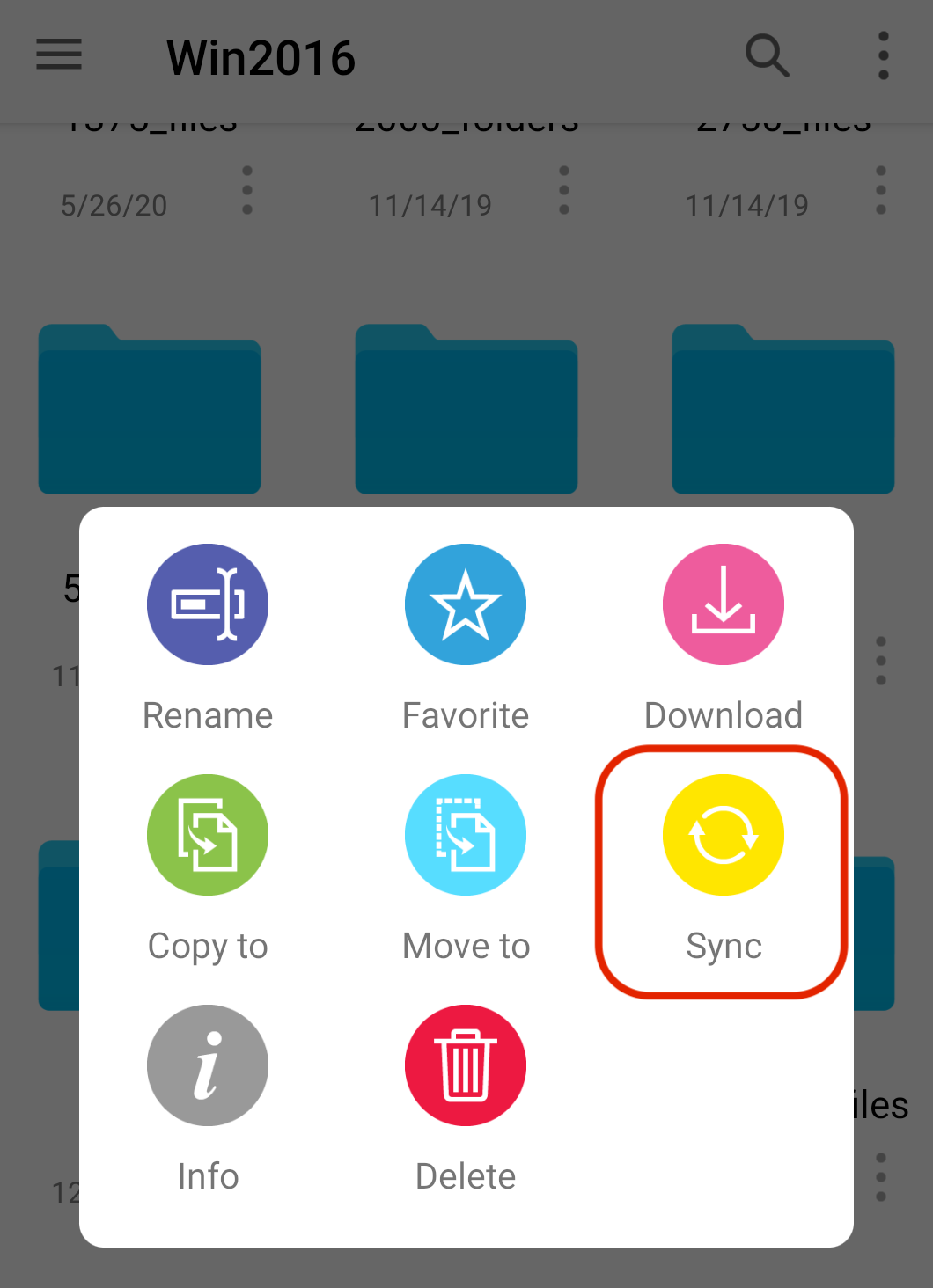
- Tap Sync to start synchronization.
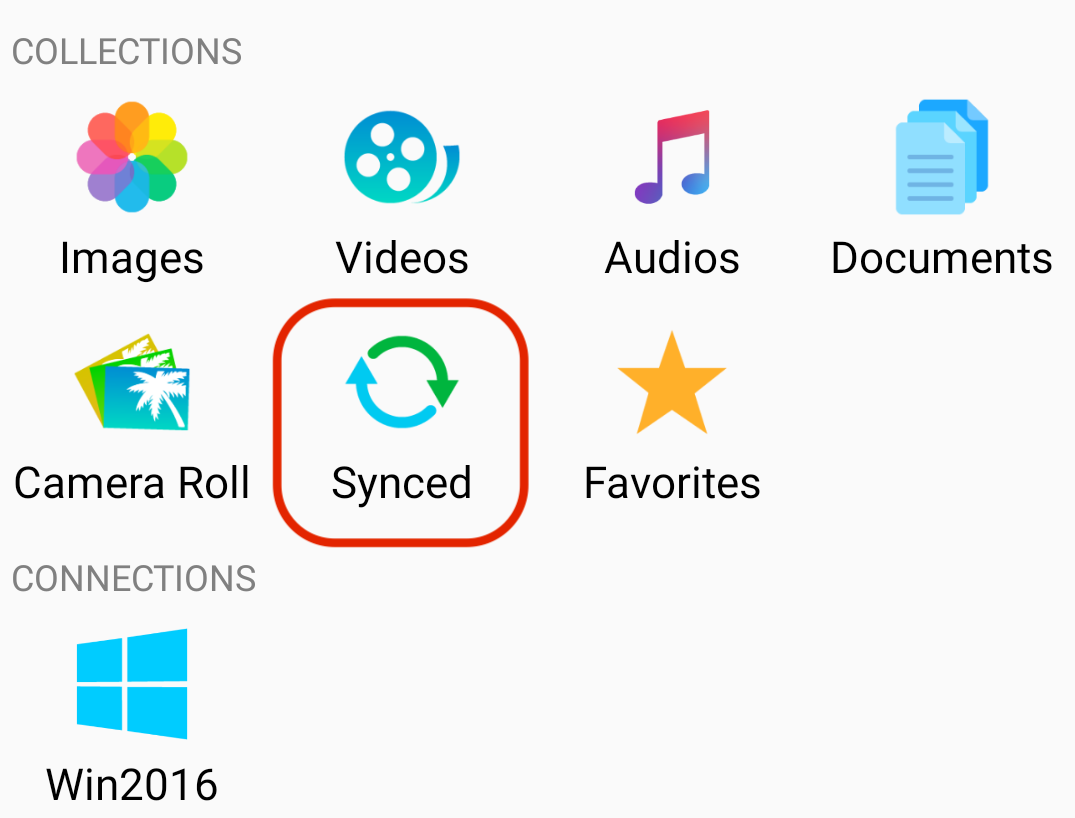
- The files are synchronized to MainStorage > Synced.