File Management
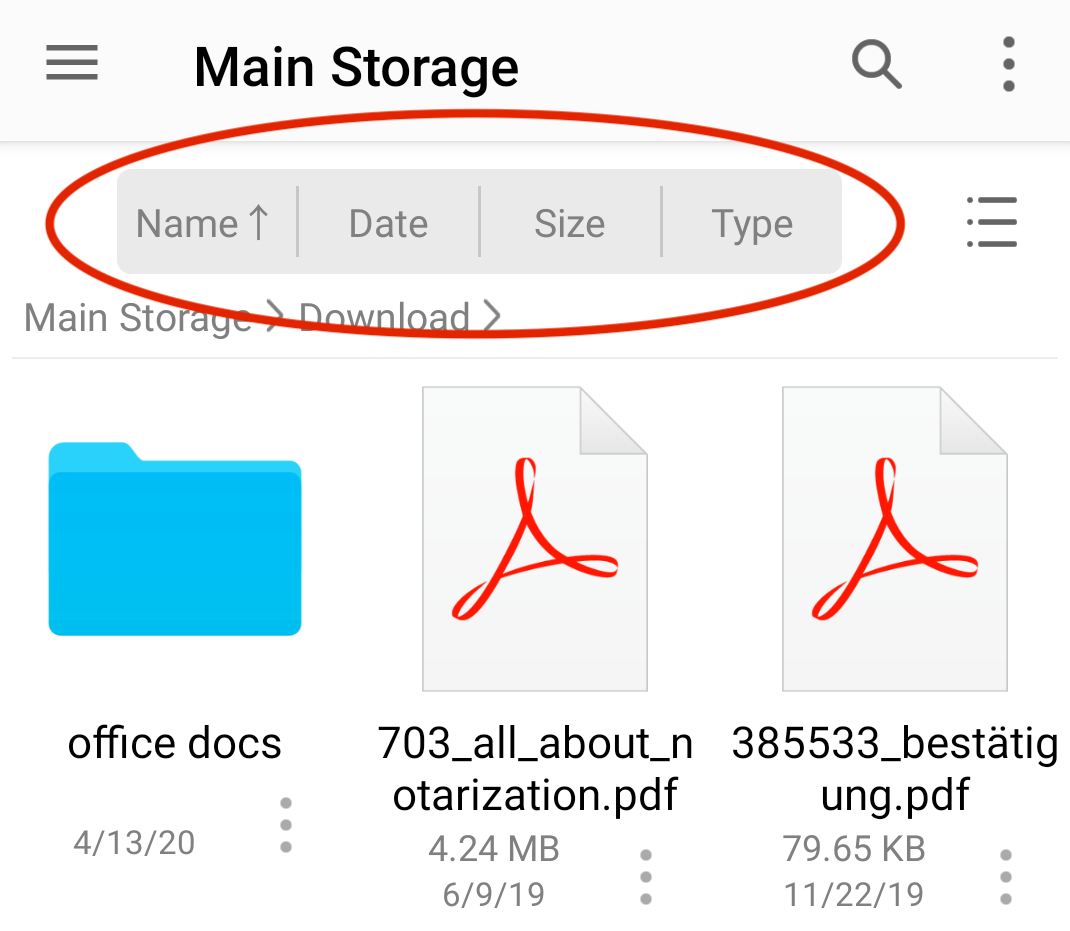
Sort Files
Sort files and folders by name, date, or size in ascending or descending order.
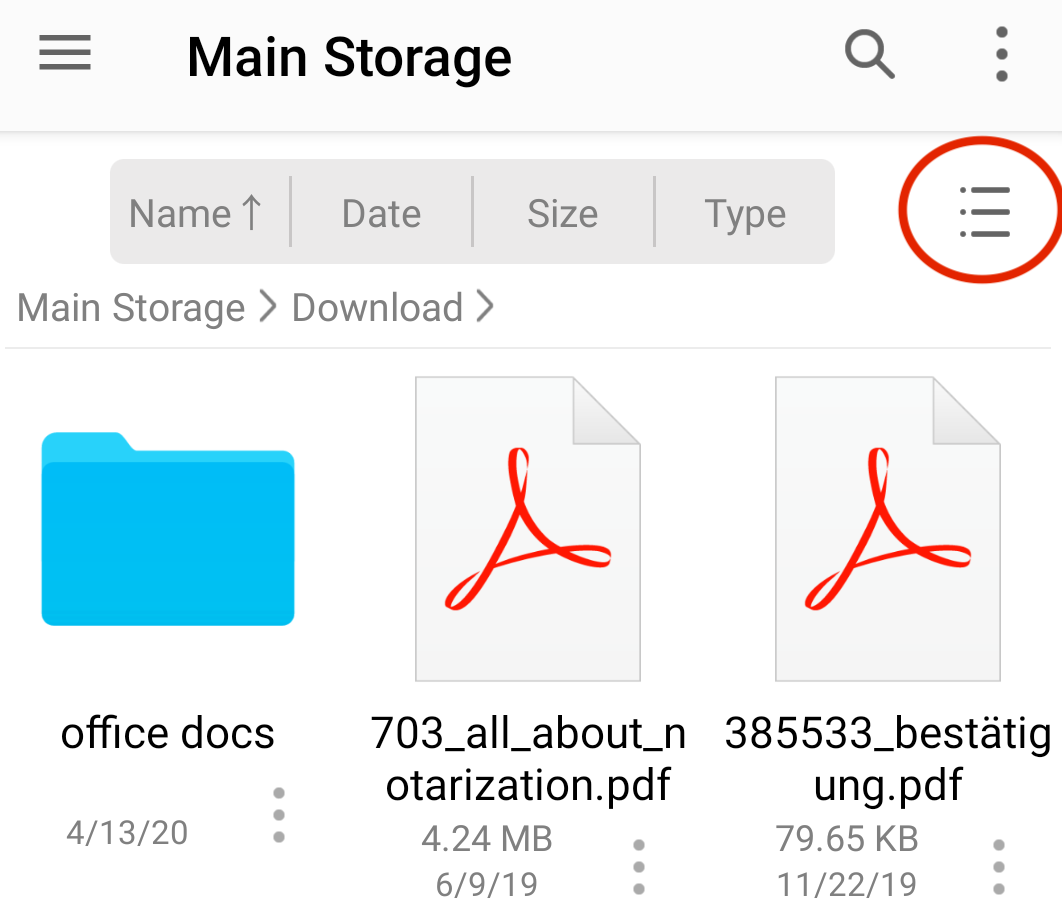
Grid and List View
Switch between grid view and list view.
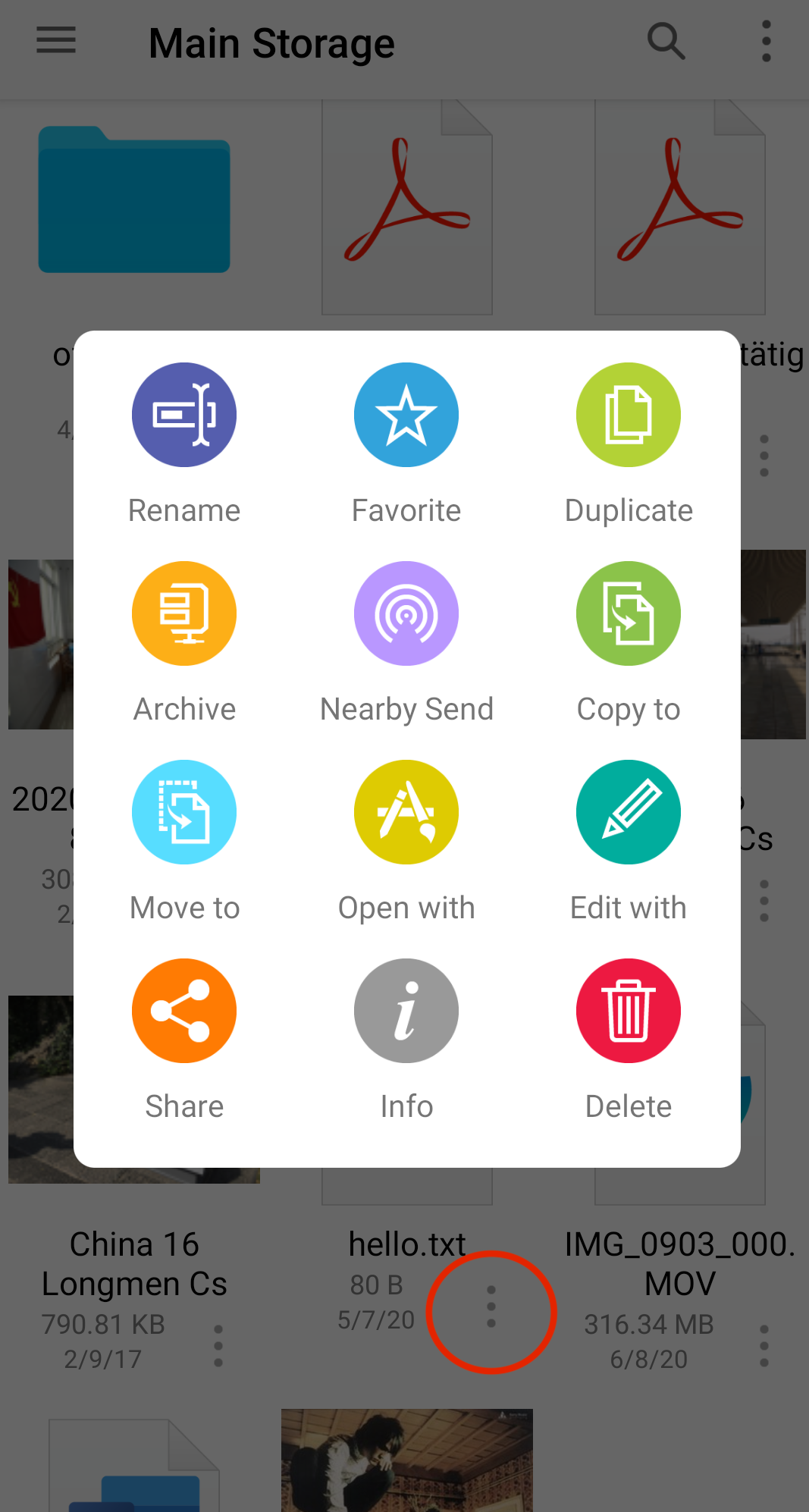
Rename a File
Open a file’s contextual menu, then select Rename.
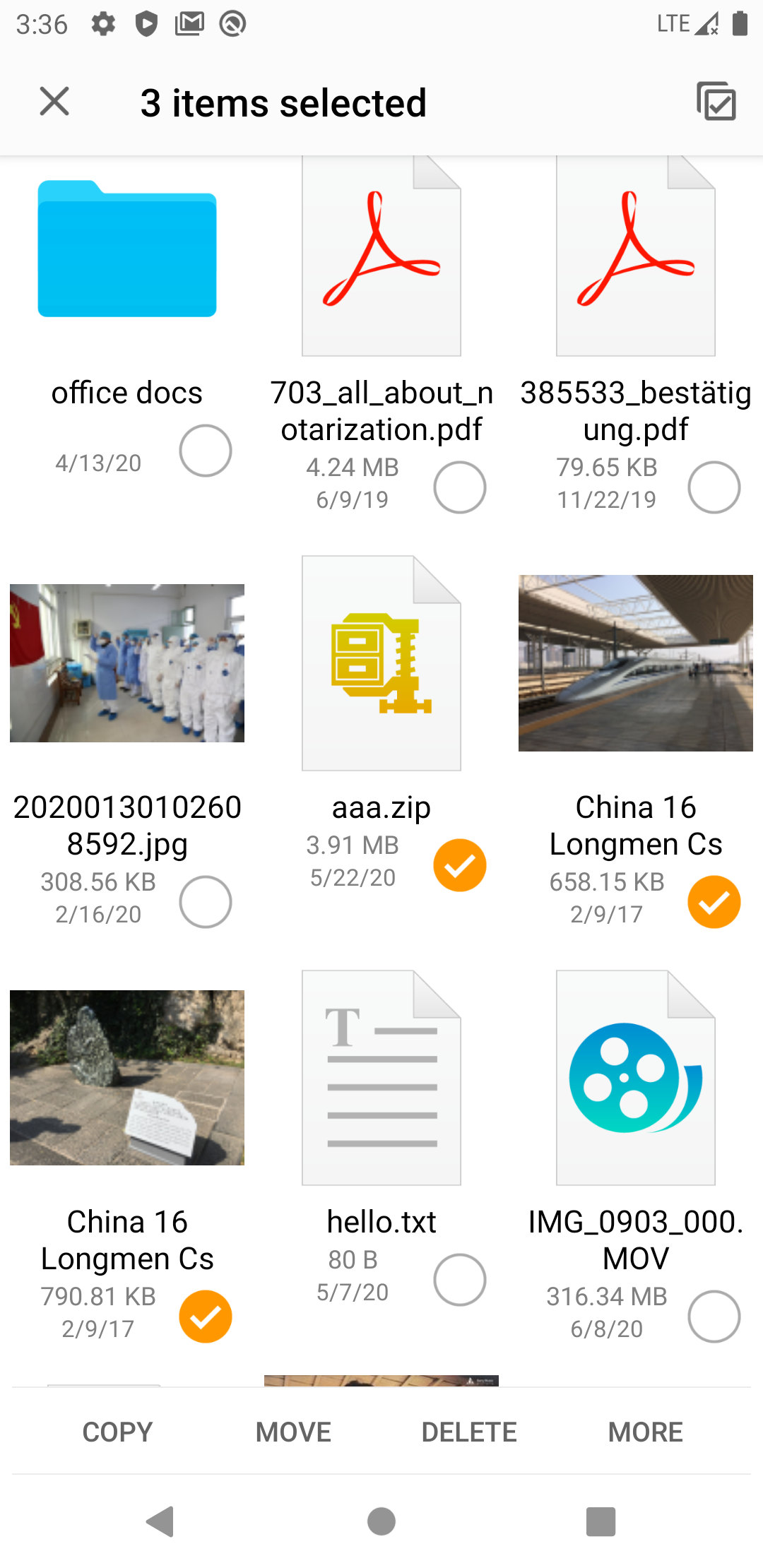
Copy, Move, and Delete Files
- Open the folder containing the files.
- Long-press a file to enter selection mode.
- Select the files.
- Use the toolbar actions to copy, move, or delete them.