Access External Storage
Access External Storage
To access external storage, such as an SD card or USB drive, grant FE File Explorer access permission.
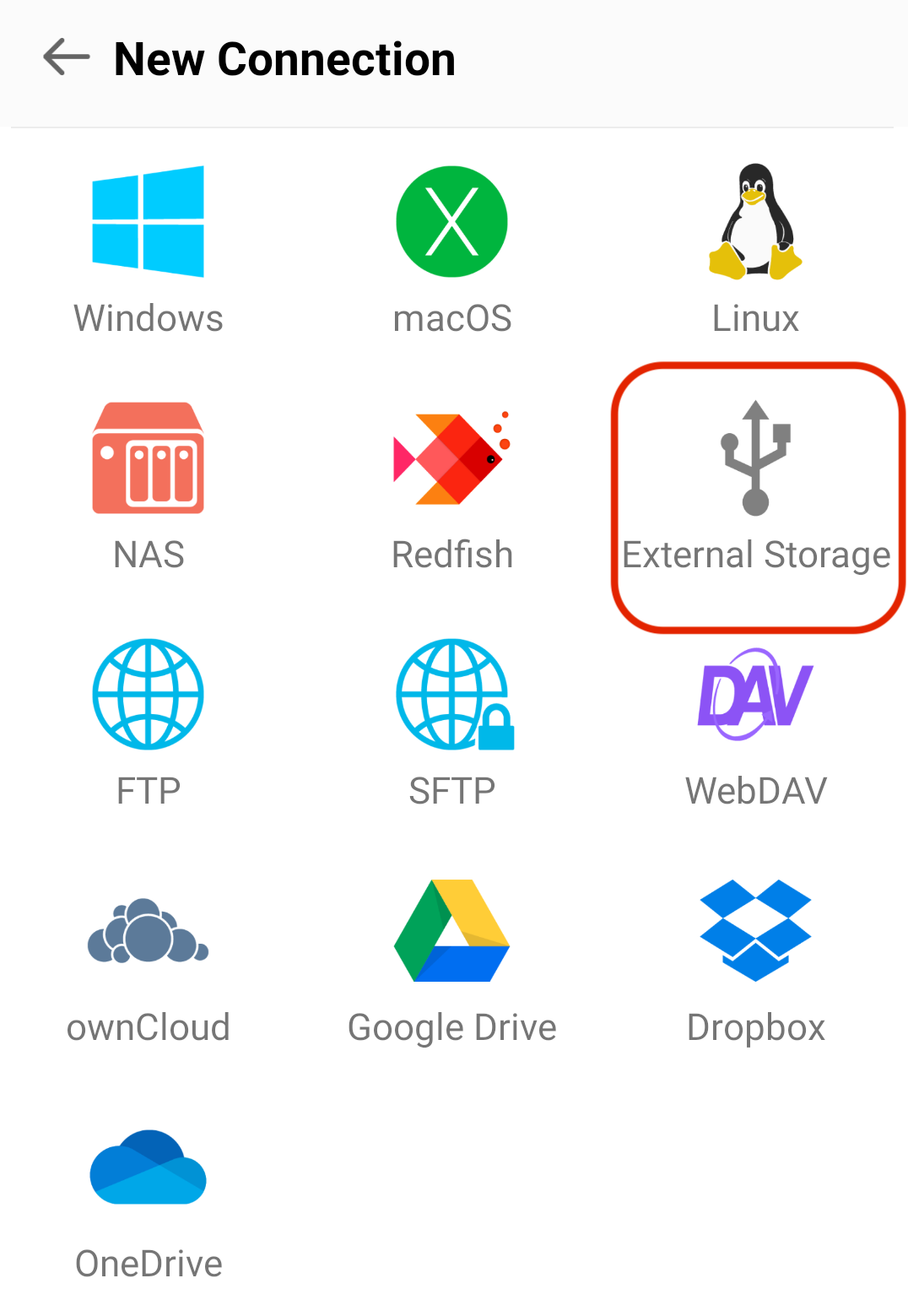
- Open FE File Explorer and add an external-storage connection.
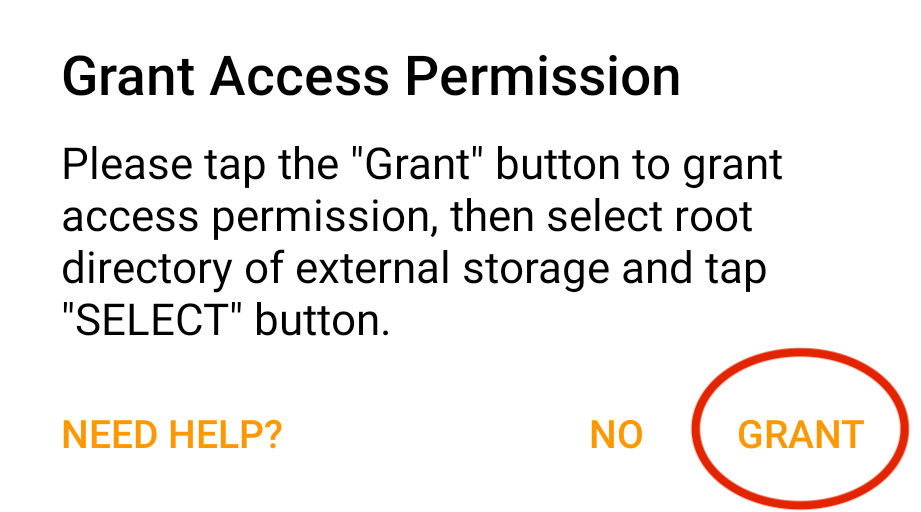
- Tap GRANT to grant permission.
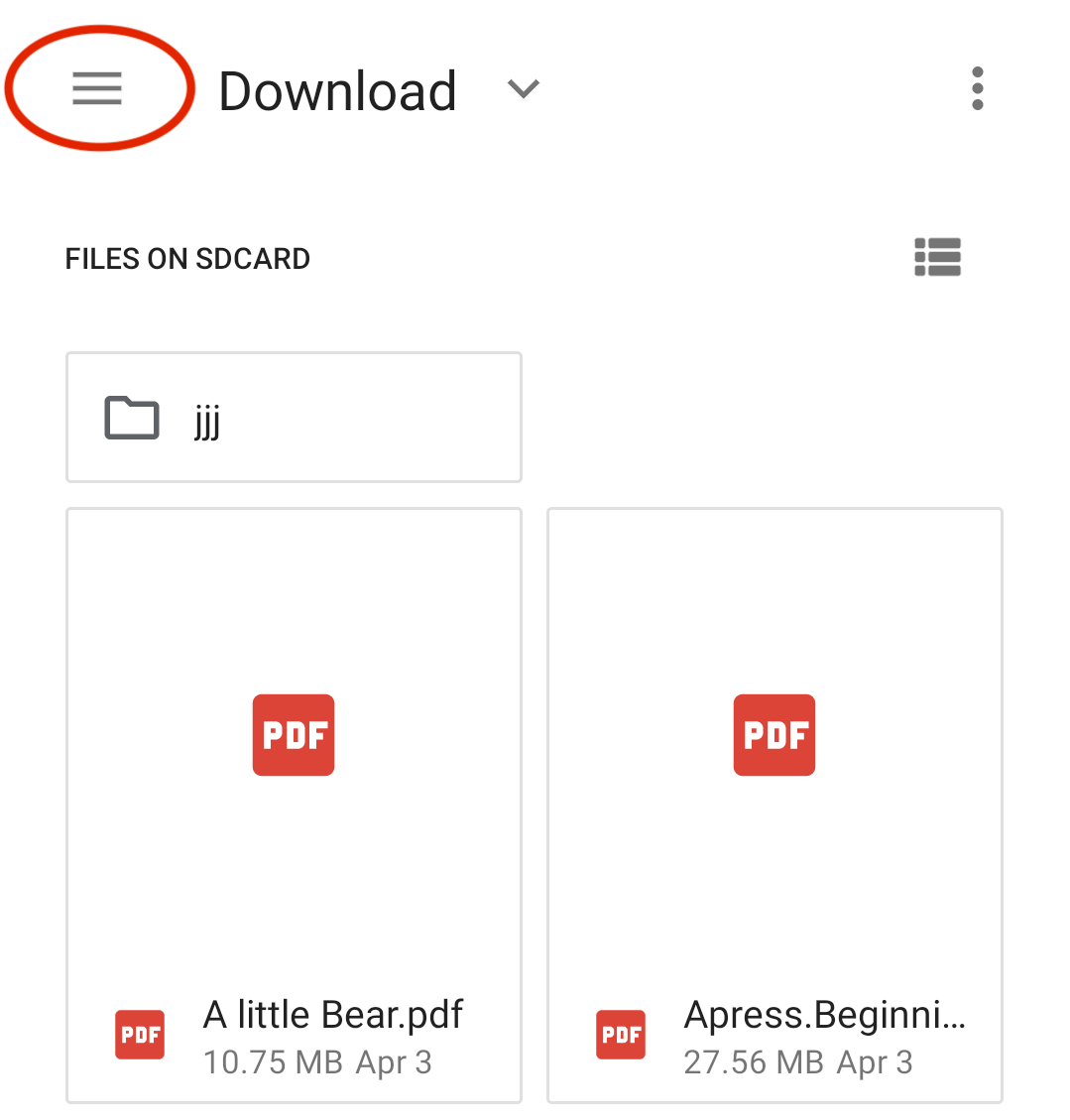
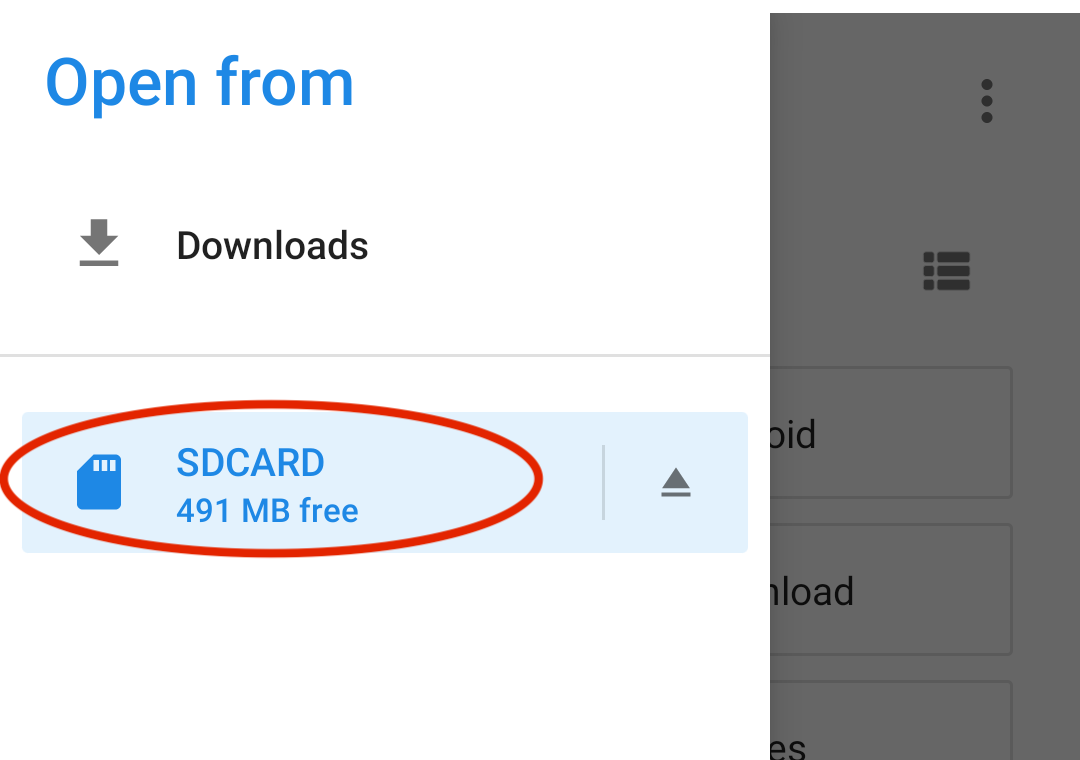
- Open the location menu.
- Select the external storage, either the SD card or USB drive.
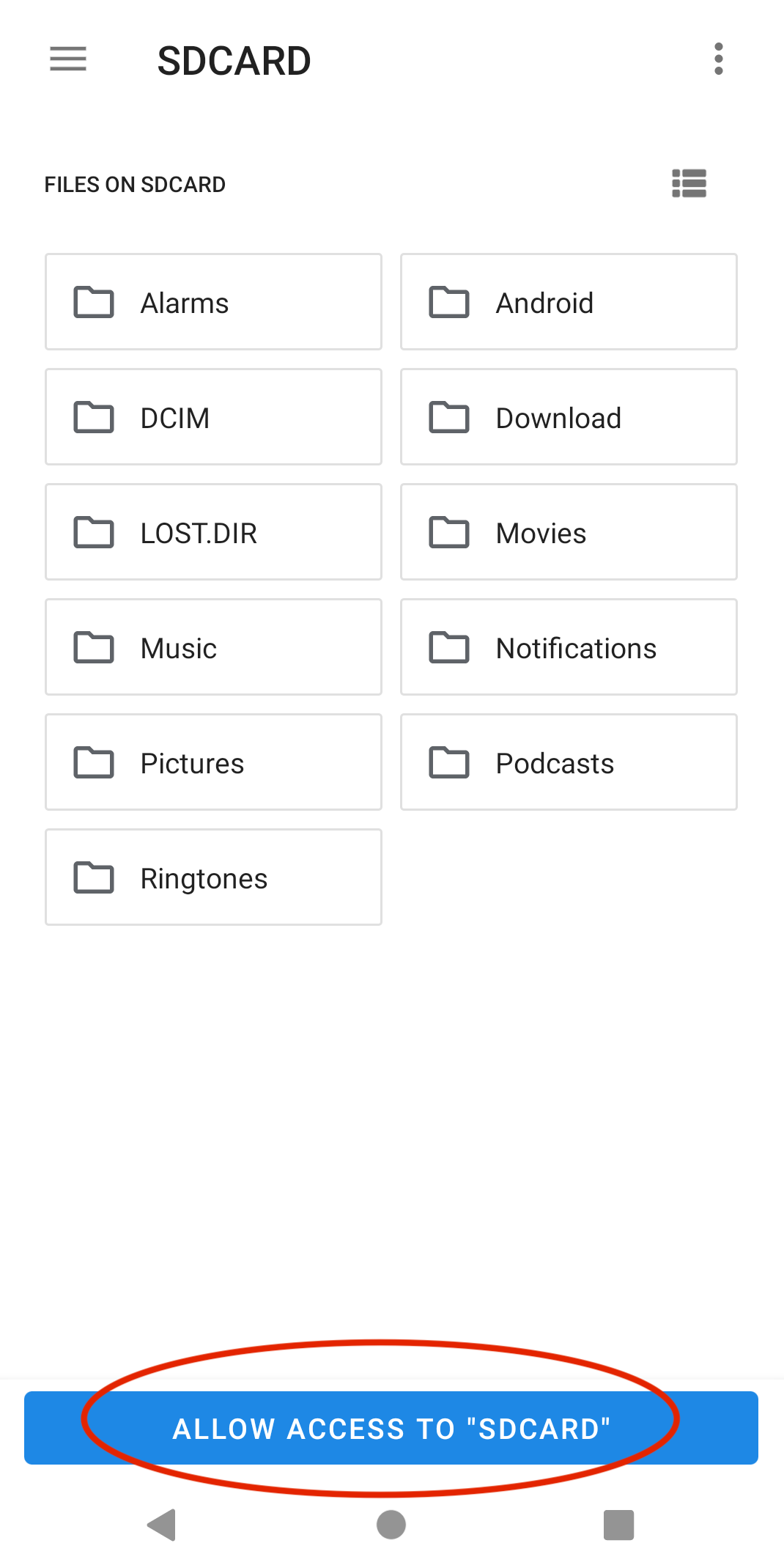
- Tap ALLOW ACCESS TO … to grant permission.