Nearby Drop
Nearby Drop transfers files directly between nearby Apple devices without requiring Wi-Fi.
- Place the two Macs, iPhones, or iPads near each other.
- On one device, open Nearby Drop or Nearby Receive.
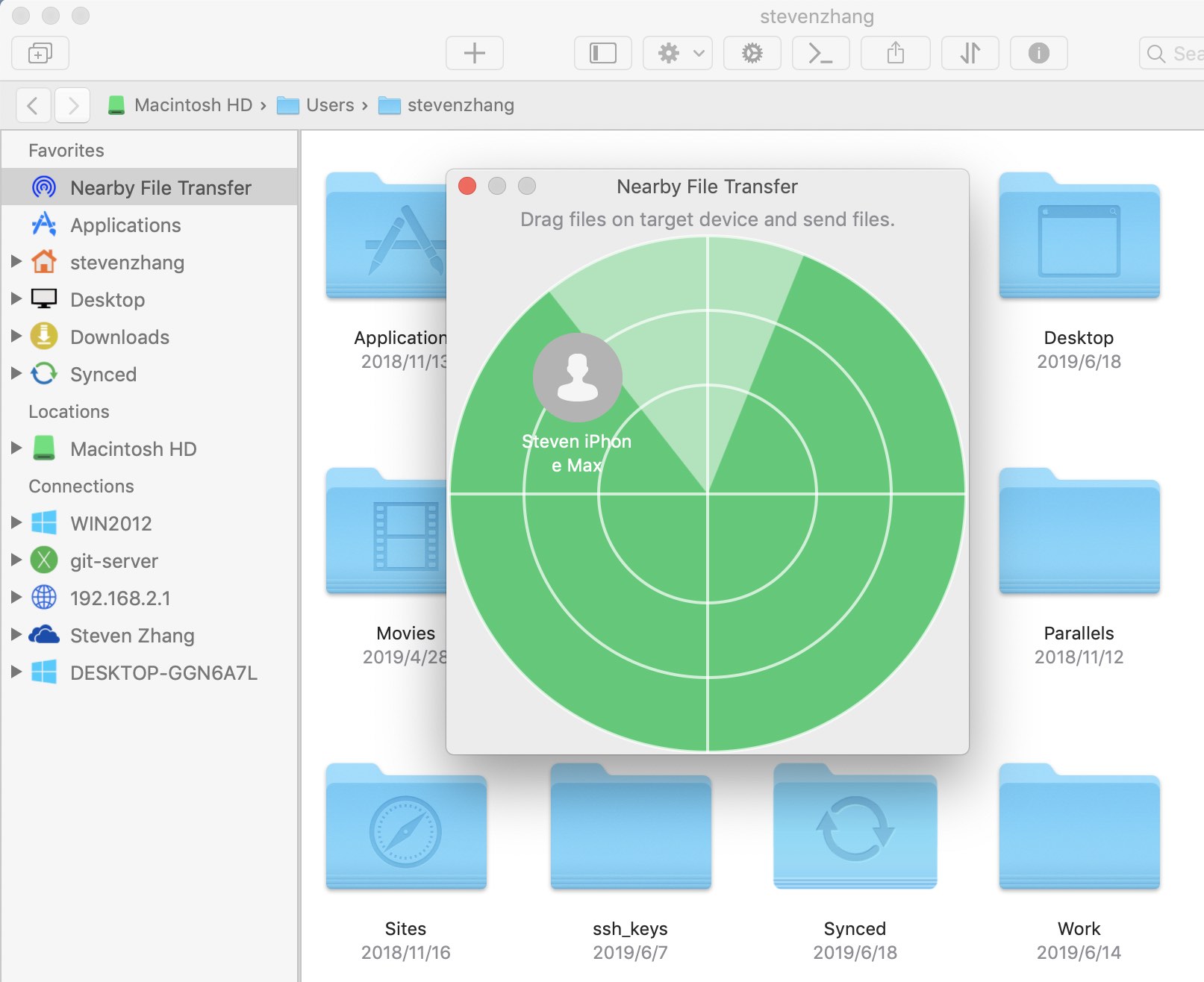
- On the other device, open Nearby Drop. Available devices appear in the list, then drag files to the target device.
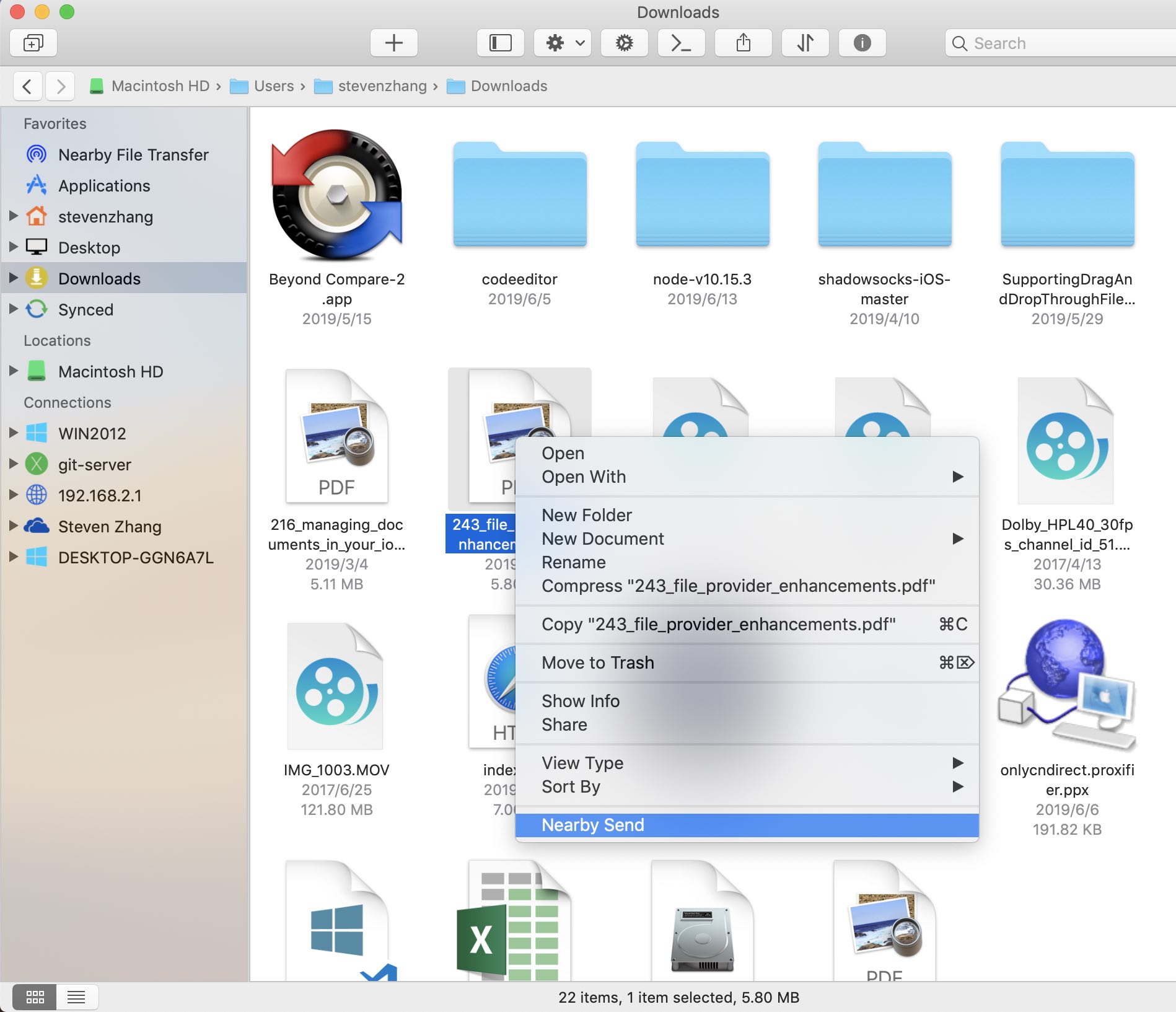
- Alternatively, right-click a file and choose Nearby Send to send it.