Presentation
UltraNotes can display notes on a TV through AirPlay or an HDMI cable.
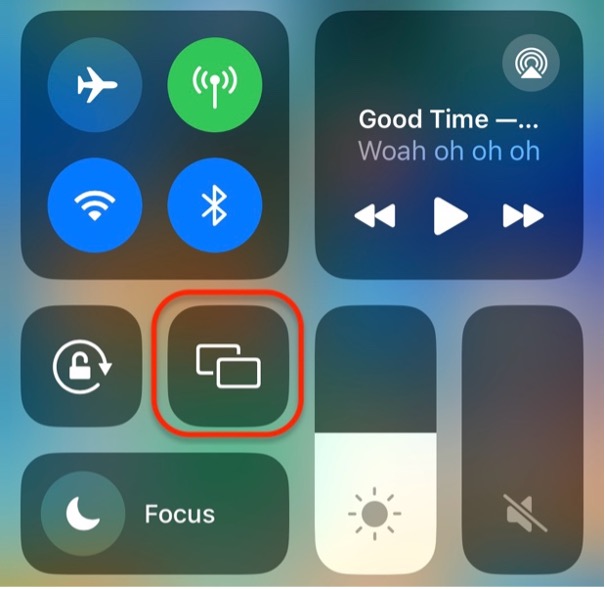
Turn on Screen Mirroring in Control Center on your iPhone or iPad, then open a note in UltraNotes.
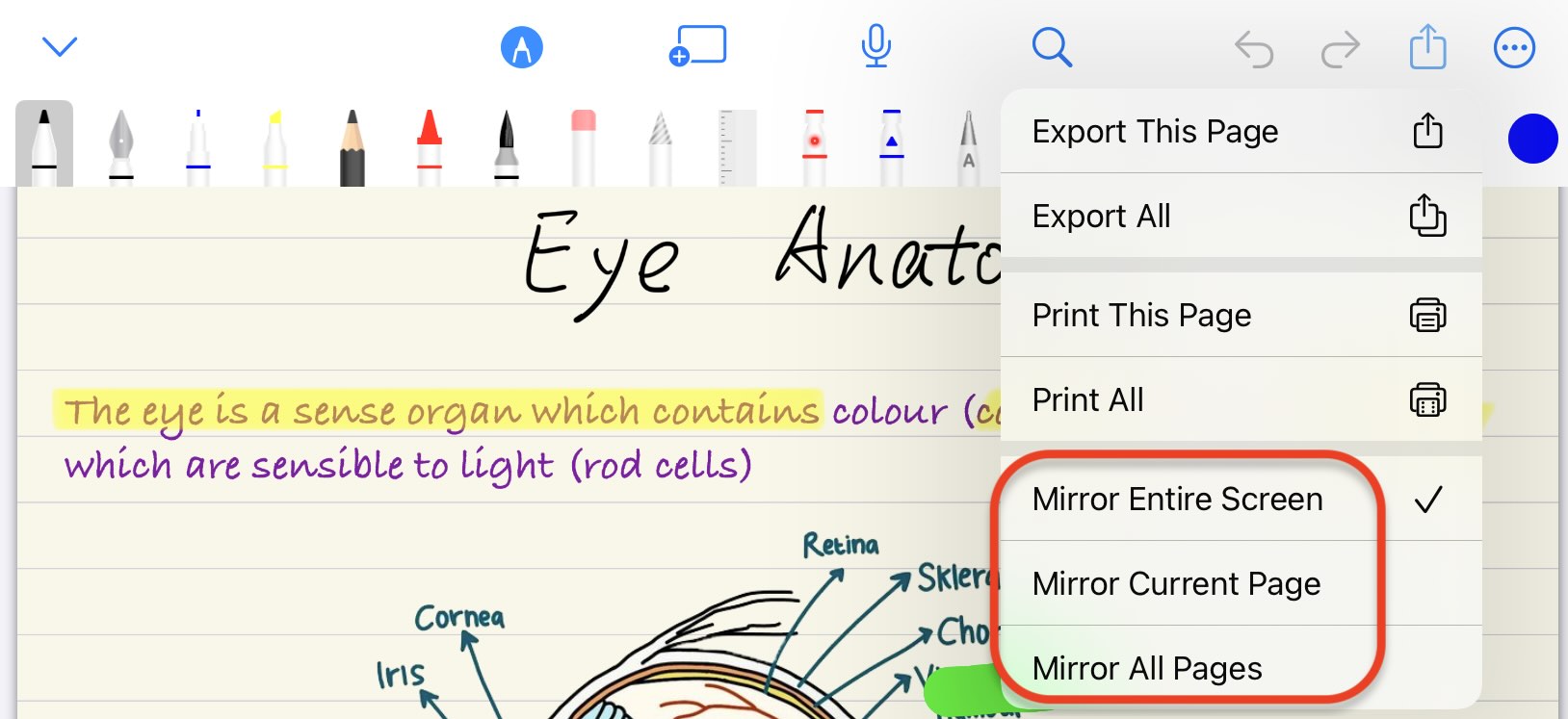
UltraNotes offers three presentation modes:
- Mirror Entire Screen
- Mirror Current Page
- Mirror All Pages
Mirror Entire Screen is the default mode. Switch to another mode as needed. During a presentation, use the laser tool to point out the content you are discussing.